Time Format & Date
Set the preferred time format and the date.
Note
The options available on this page depend on whether the watch is in paired mode or non-paired mode. This mode is chosen during the watch's initial Start-up.
Set the Time Format
1 Activate the watch
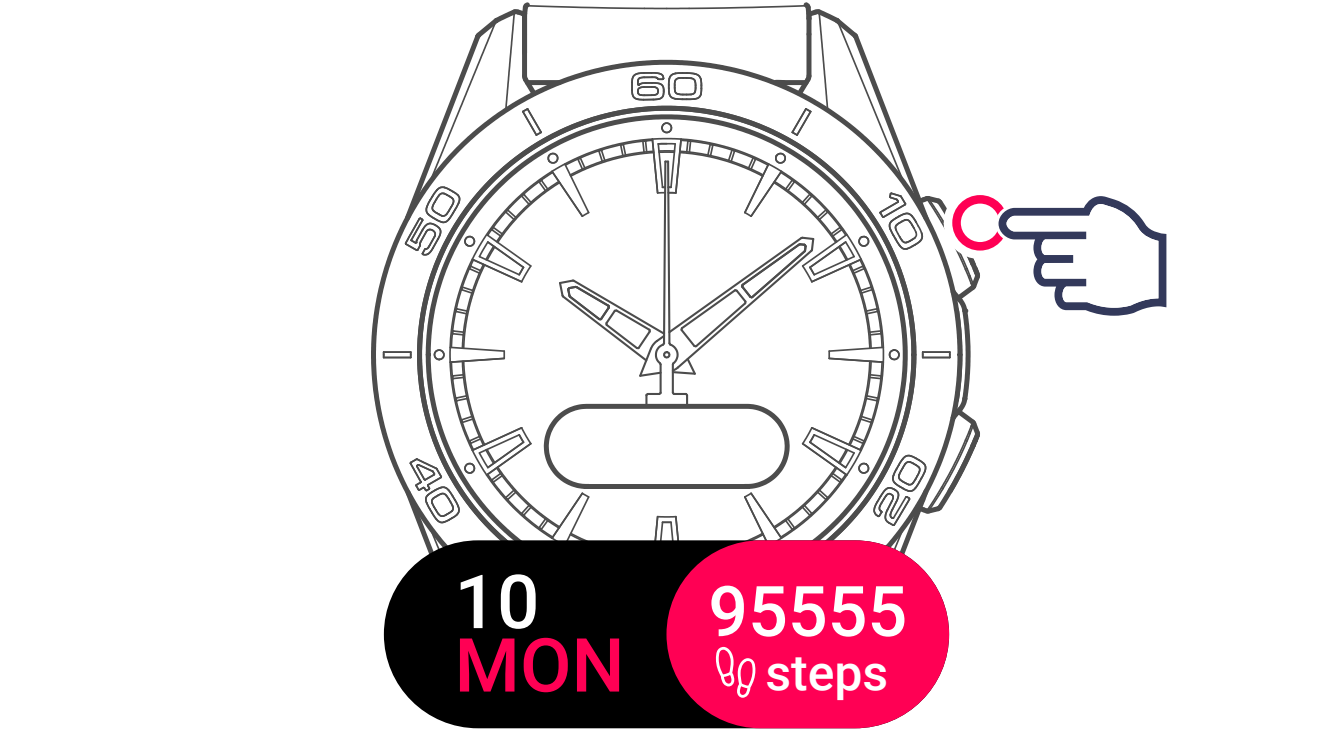
2 Display and select the settings menu

3 Display and select the TIME/DATE setting

4 Tap TIME FORMAT

5 Select 24-hour or 12-hour


Set the Date
Warning
SET DATE is only available in non-paired mode. In paired mode, the date syncs automatically from your smartphone.
1 Activate the watch
2 Display and select the settings menu
3 Display and select the TIME/DATE setting
4 Tap SET DATE

5 Adjust the Year, Month, Day
Tap the screen or press the top pusher to confirm.
6 Confirm
