About
Information about your watch
1 Activate the watch
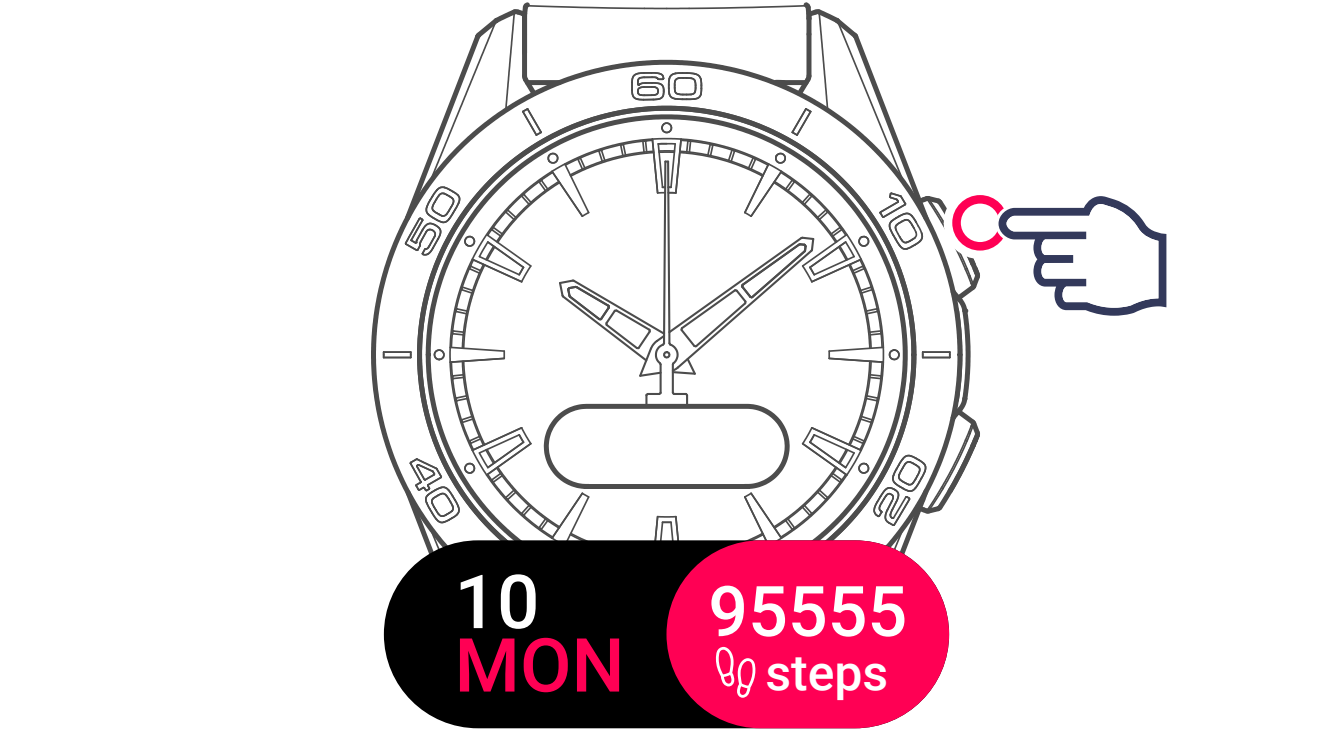
2 Display and select the settings menu
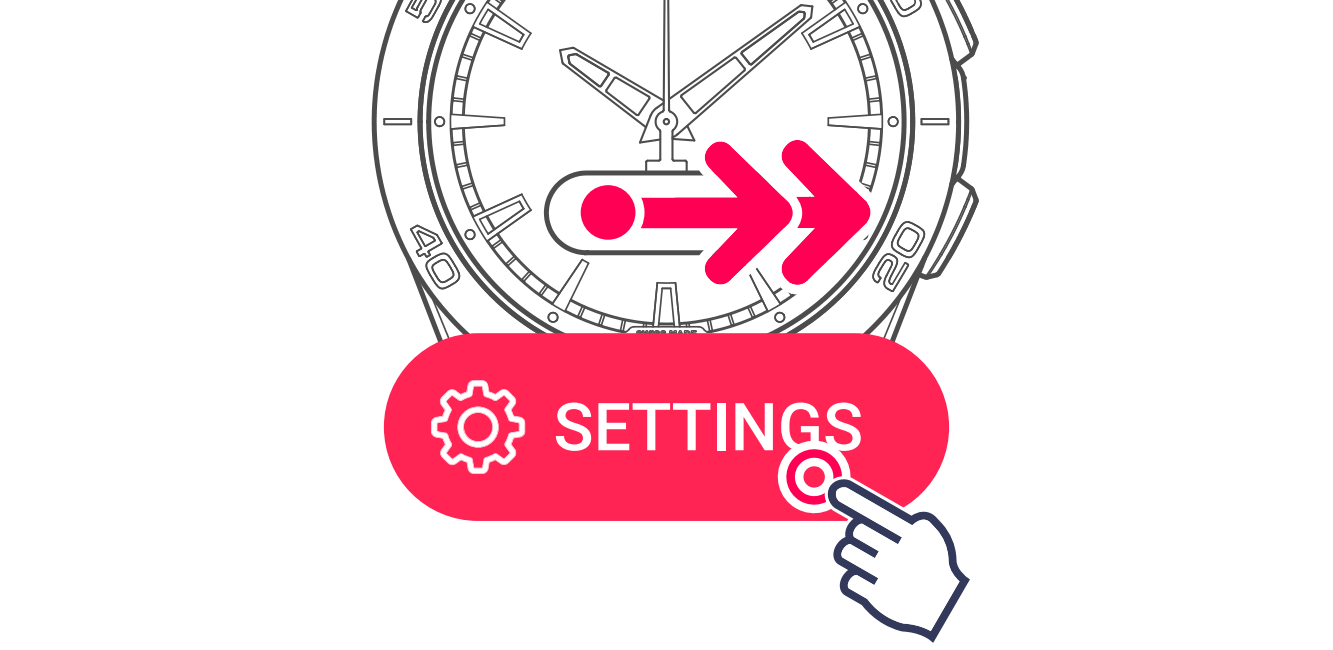
3 Display the watch's information

Watch ID
Your watch's unique identification number guarantees its authenticity. You could be asked for it when making a support request.
Firmware version
This is your watch's software version. Tissot SA is determined to ensure the constant development of its products. New features are regularly added. When you make an update request from the app, the server checks that your watch has the latest software version. If this is not the case, it suggests that you install this update.
After an update, the settings are recovered from the mobile application — you don't need to reapply them manually. Make sure to stay connected to the mobile application after the update to allow the settings to be restored.
Fonts version
To ensure optimal readability, the screen fonts may be updated in order to improve text and value displays on your watch.