Sounds
Manage the sounds and vibrations for alarms & timers, notifications, and browsing.
1 Activate the watch
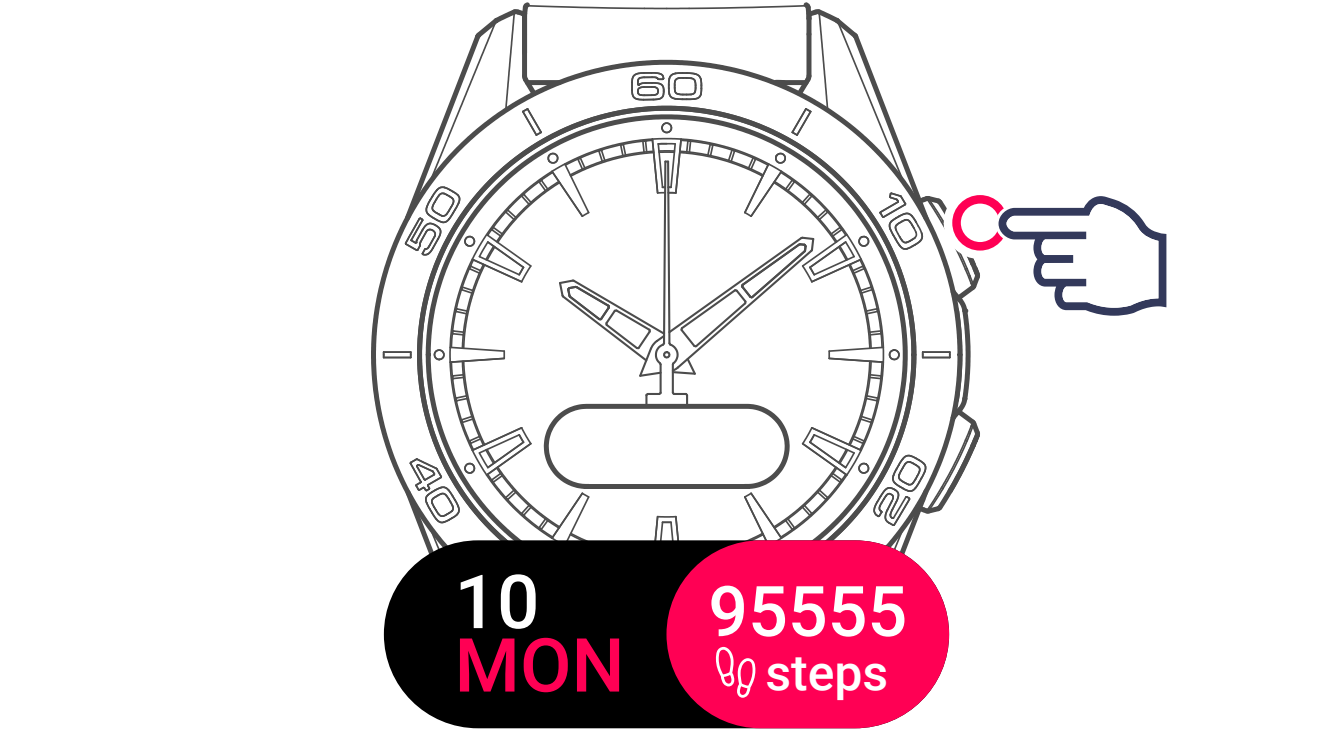
2 Display and select the settings menu

3 Display and select the sounds setting

The watch offers 3 options:
-
Alarm & timer: Select to set the sounds and vibrations for alarms and timers when an alarm or timer rings.
-
Notifications: Select to set the sounds and vibrations for notifications/incoming calls.
When the phone is in "Do Not Disturb" mode, the watch will not receive incoming calls or notifications.
- Browsing: Manage the sounds and vibrations when browsing the watch menus.
Under Browsing, you can configure Sounds and Vibrations separately. For each, choose one of three states: On, Off, or Validation. With Validation, the watch only gives feedback when you confirm a setting or action — for example, when setting the hours or minutes of an alarm.
4 Display and select the setting

5 Activate / deactivate vibrations

If vibrations are activated, the watch will briefly vibrate when a notification arrives from the app.
6 Activate / deactivate sounds

If sounds are activated, the watch will beep when a notification arrives from the app.