Advanced
Using advanced settings
These settings are used to calibrate the hands or reinitialise your watch.
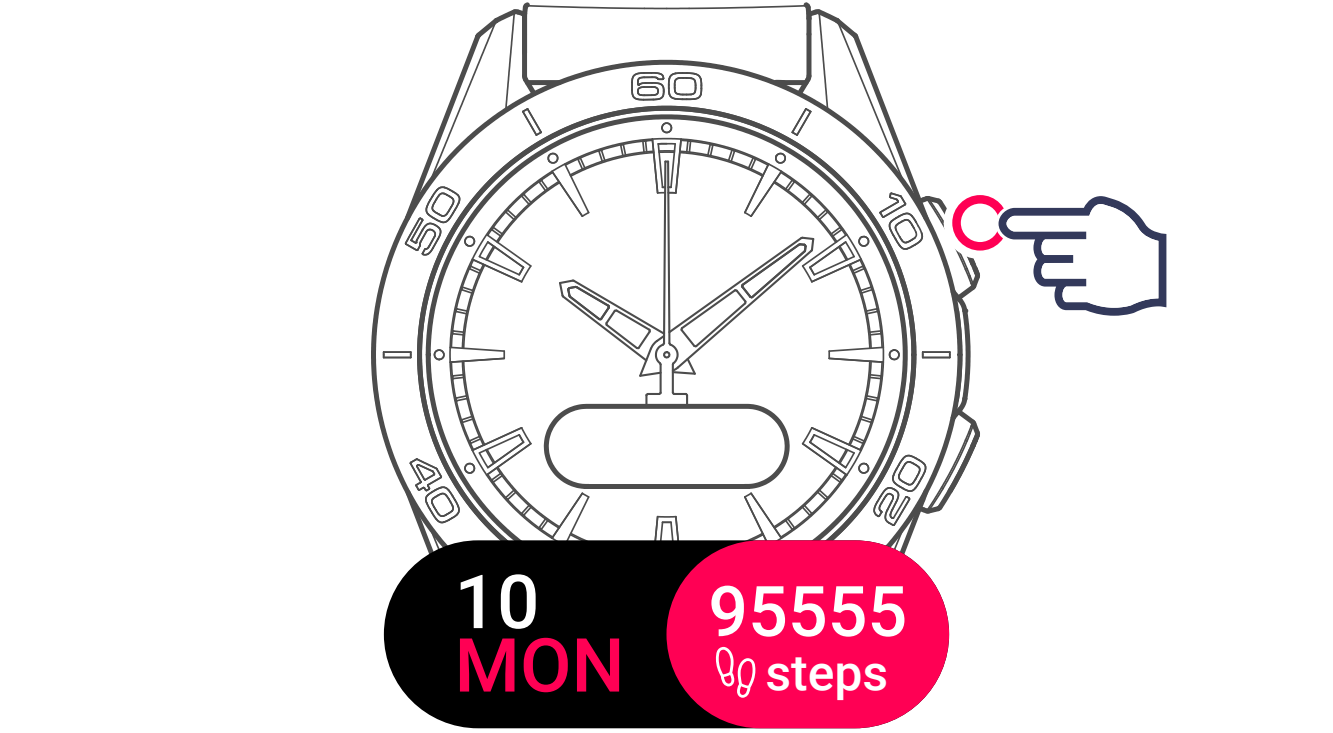
1 Activate the watch
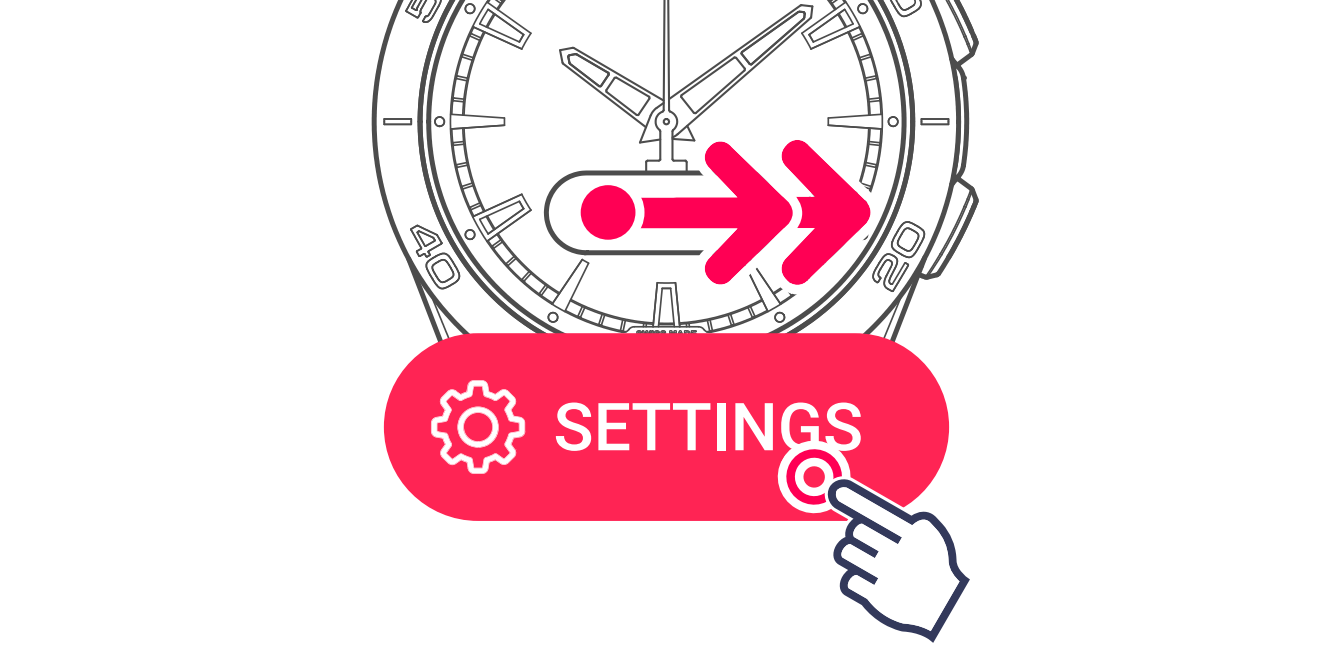
2 Display and select the settings menu
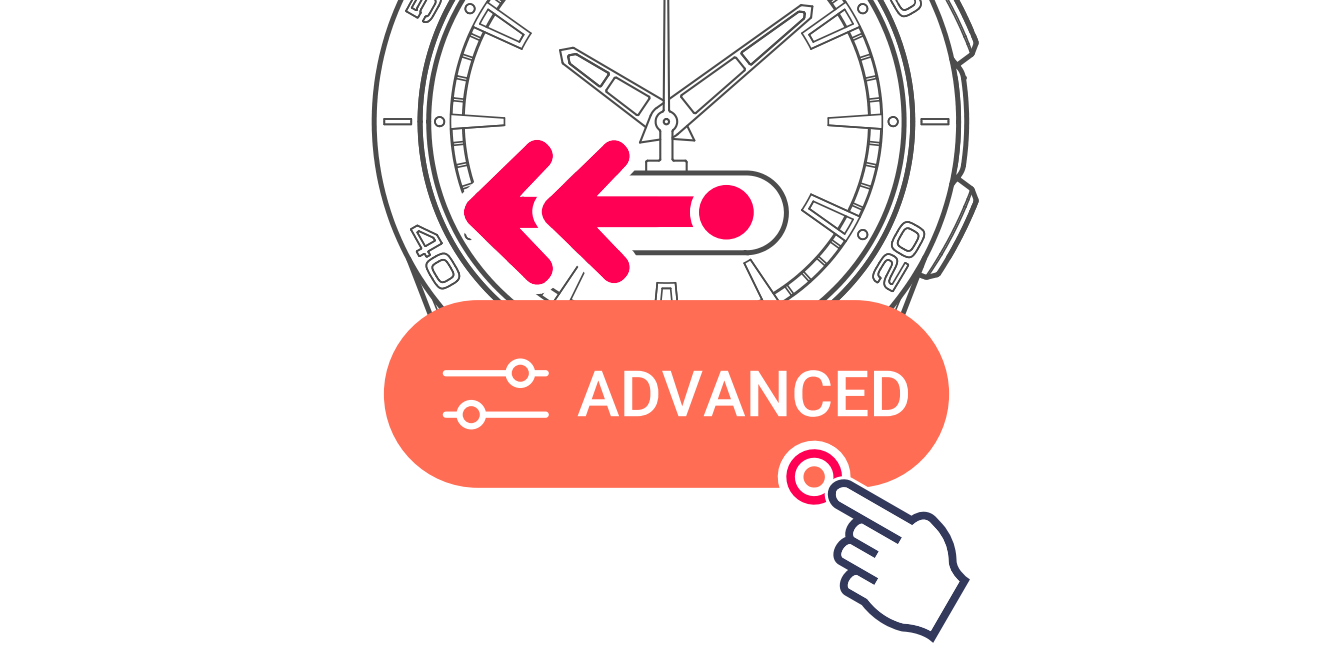
3 Display and select advanced settings
CALIBRATE
This control is used to calibrate the hands when they are no longer correctly positioned. This can happen after an impact, or when the watch is close to a powerful magnetic field.
1 Display and start hands calibration
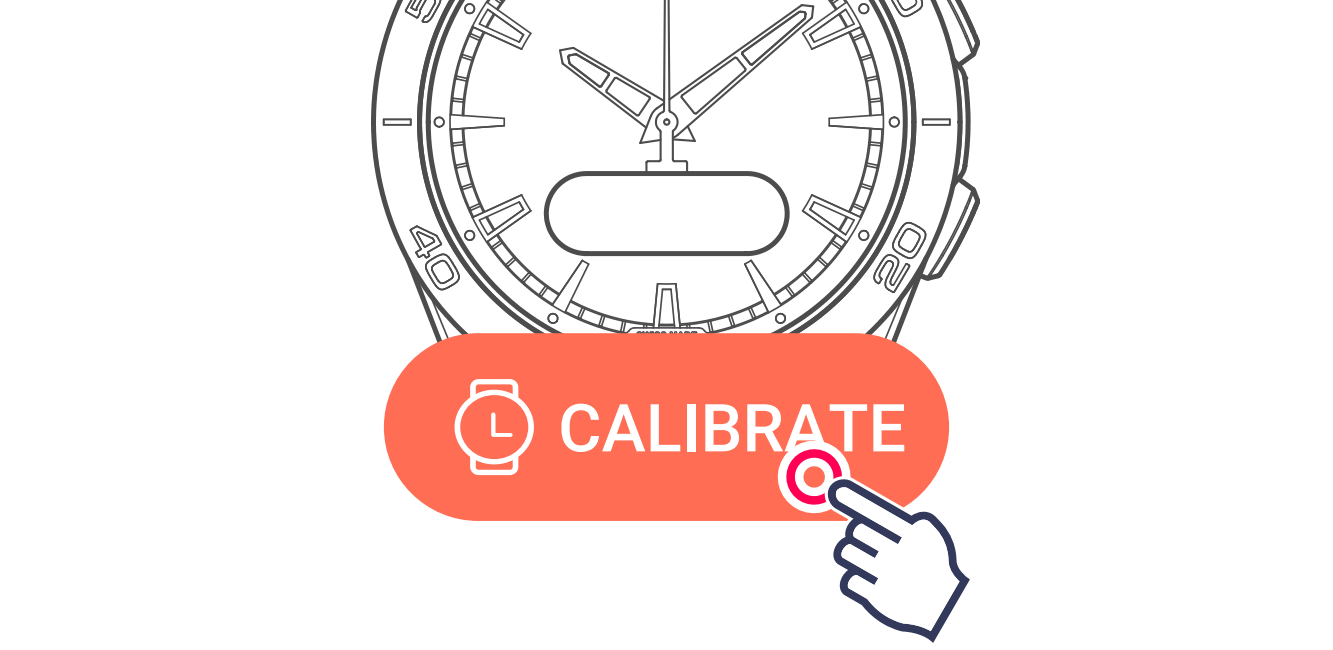
The watch performs a hands calibration cycle to ensure that they are accurately positioned.
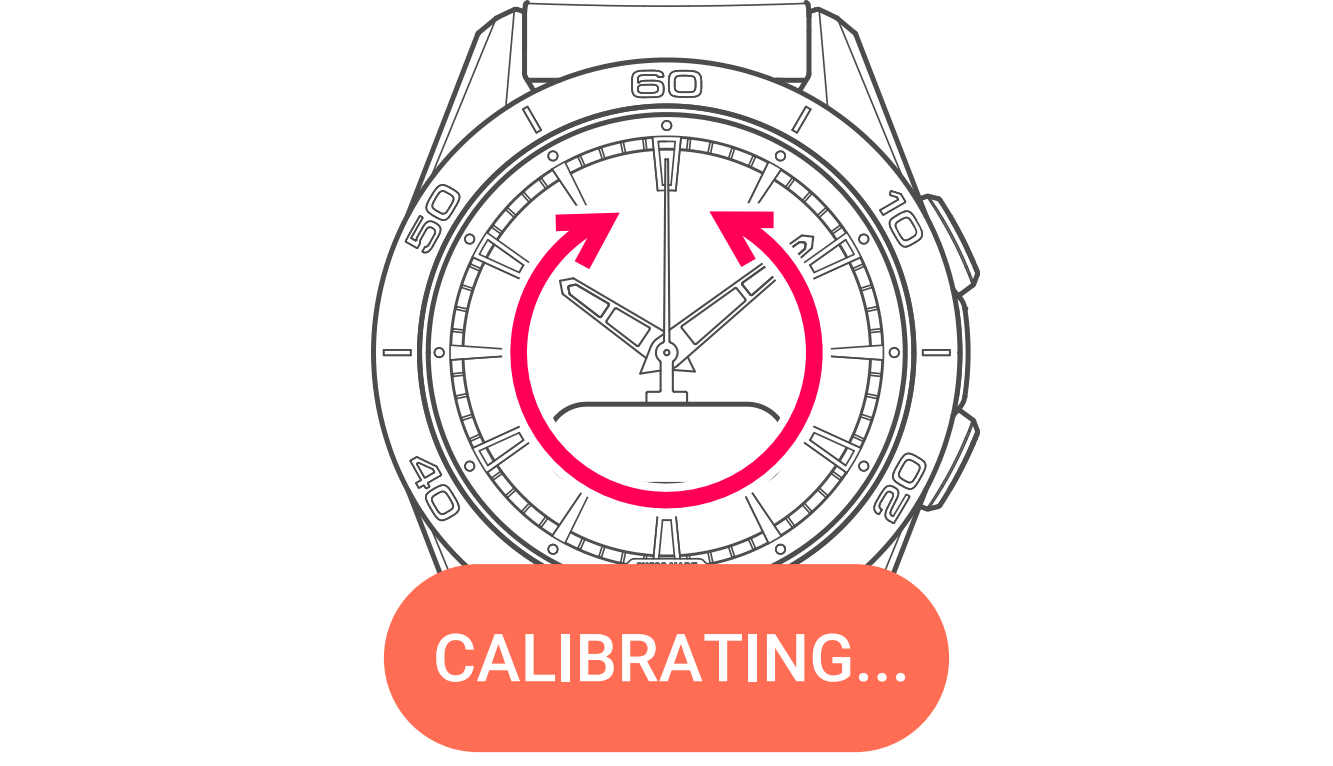
End of calibration cycle

RESET
This control reinitialises your watch, enabling you to wish to reselect its paired or non-paired mode.
2 Display and start reinitialising the watch
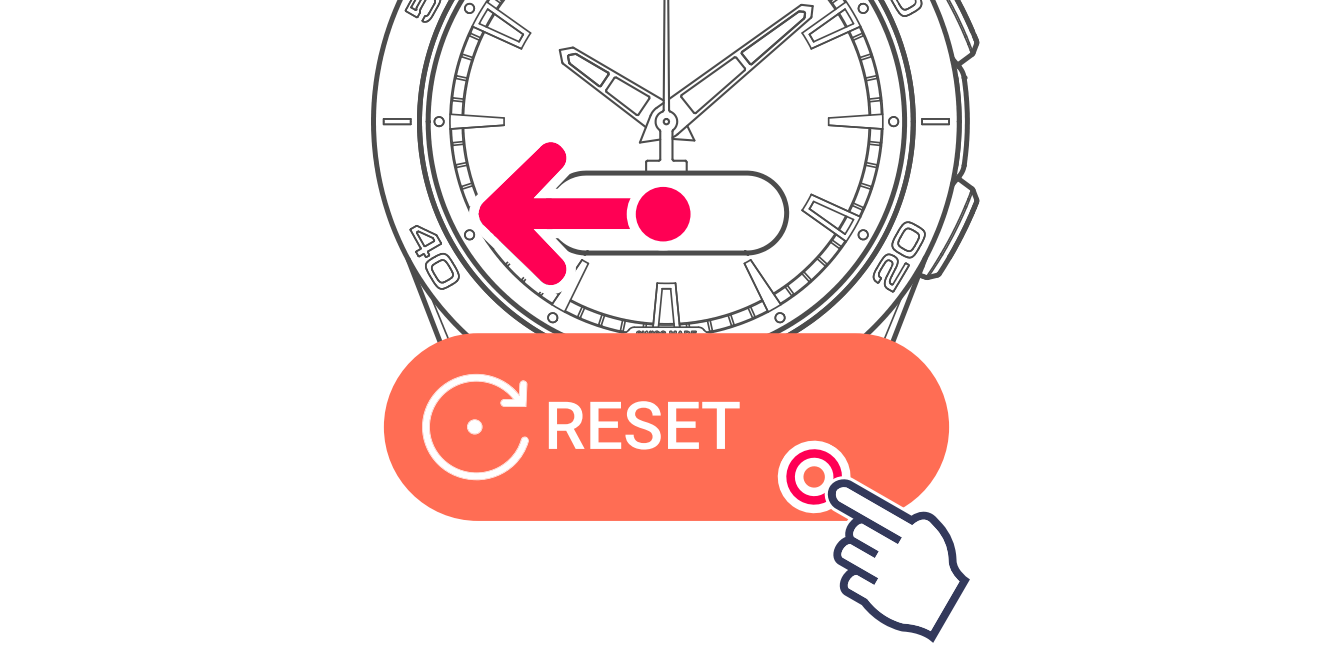
3 Confirm data deletion
Touch the screen zone matching your choice.

Accept: the data saved on your watch will be cleared (timing, messages, etc.), but if the watch is connected to the app, the synchronised data will be backed up and still accessible.
Refuse: the procedure is cancelled.
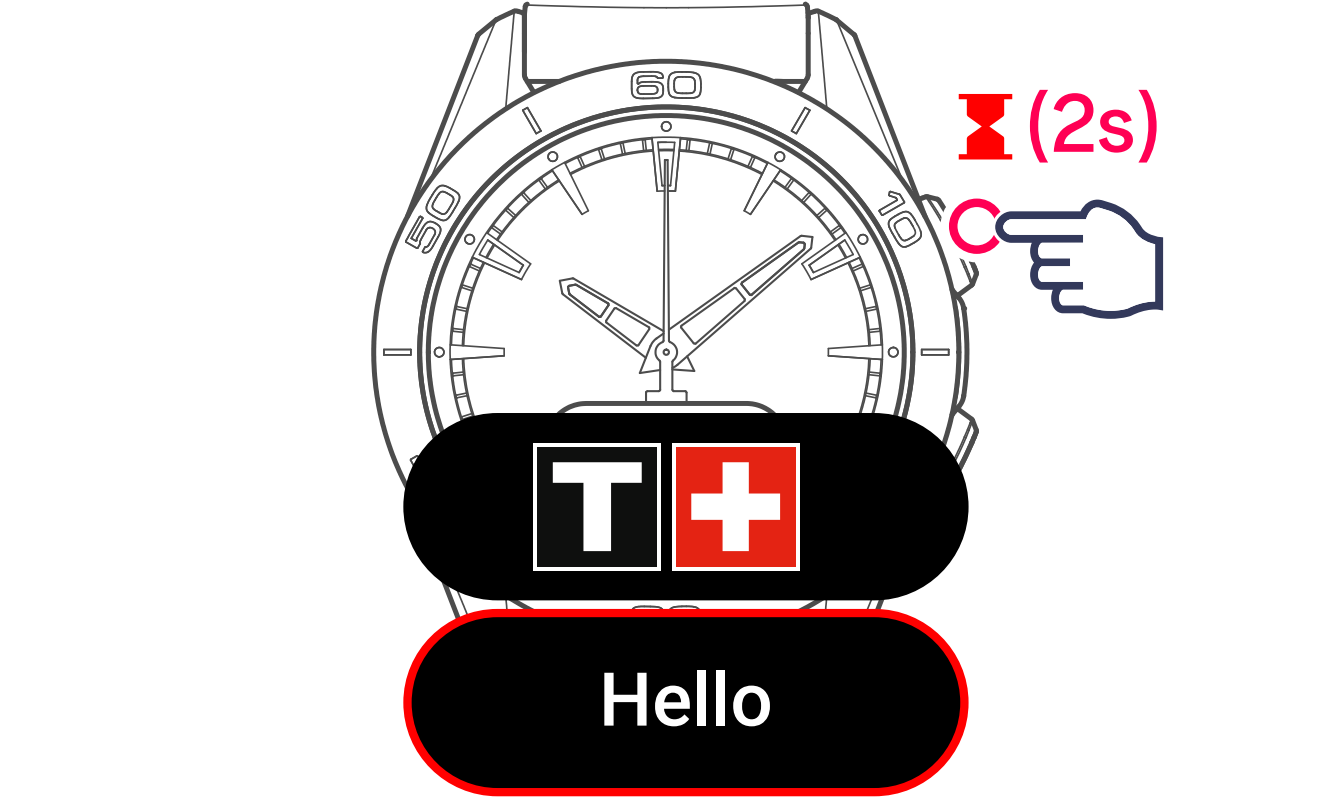
The watch will perform a new initialisation cycle, the same as when it was first started.