Watch face
Choose the watch face that displays the information most relevant to you.
1 Activate the watch
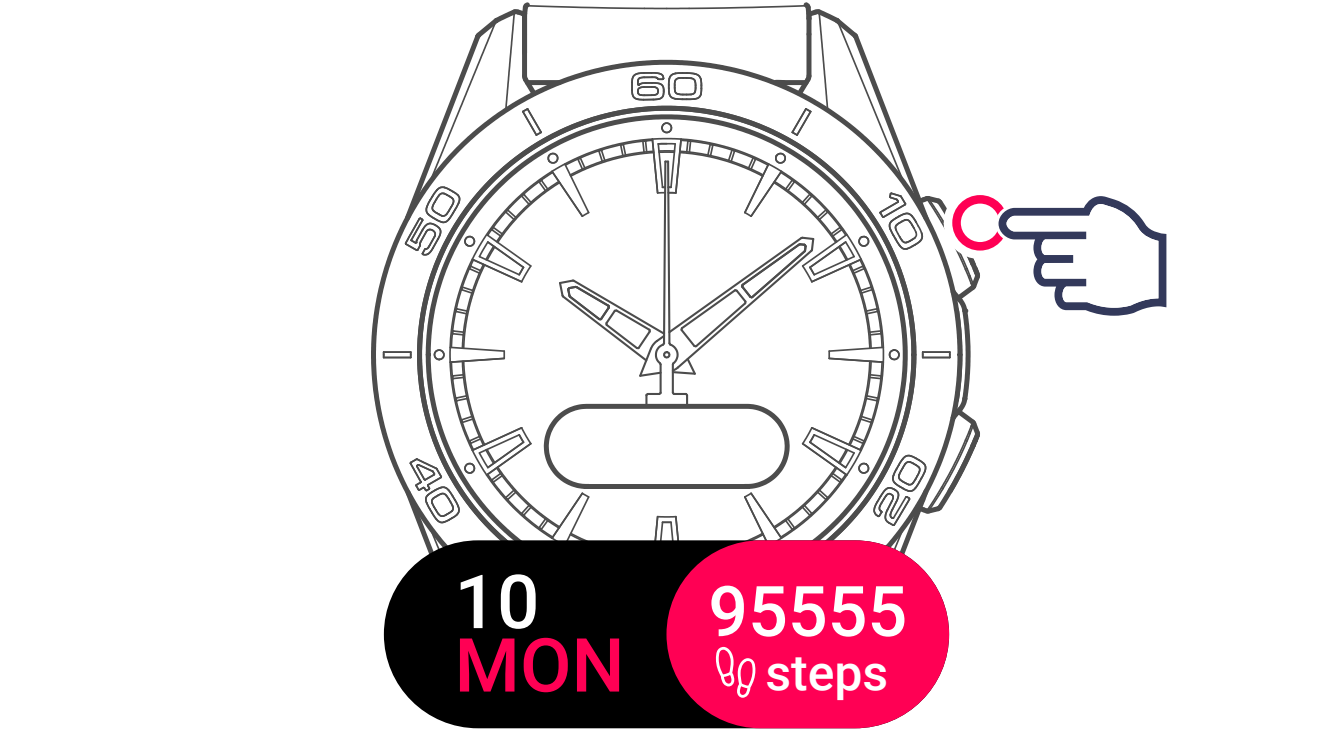
2 Display and select the settings menu
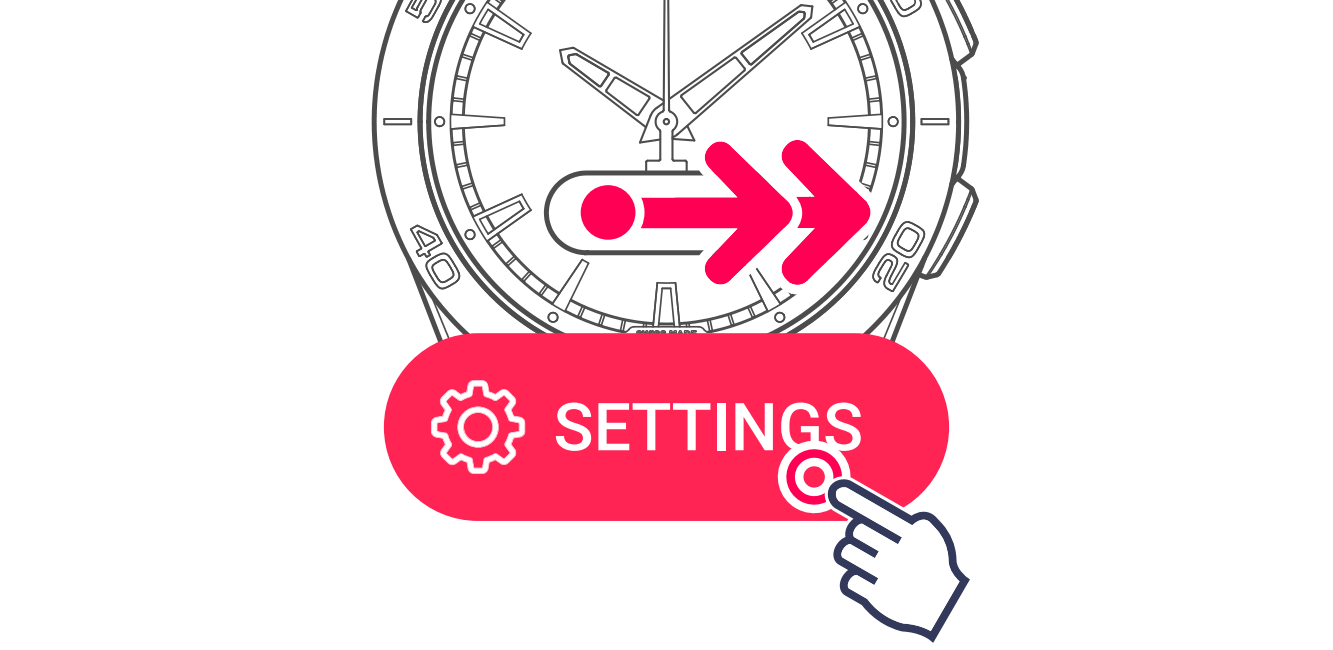
3 Display and select the Watch face menu

4 Select a watch face
Date / Steps (default)
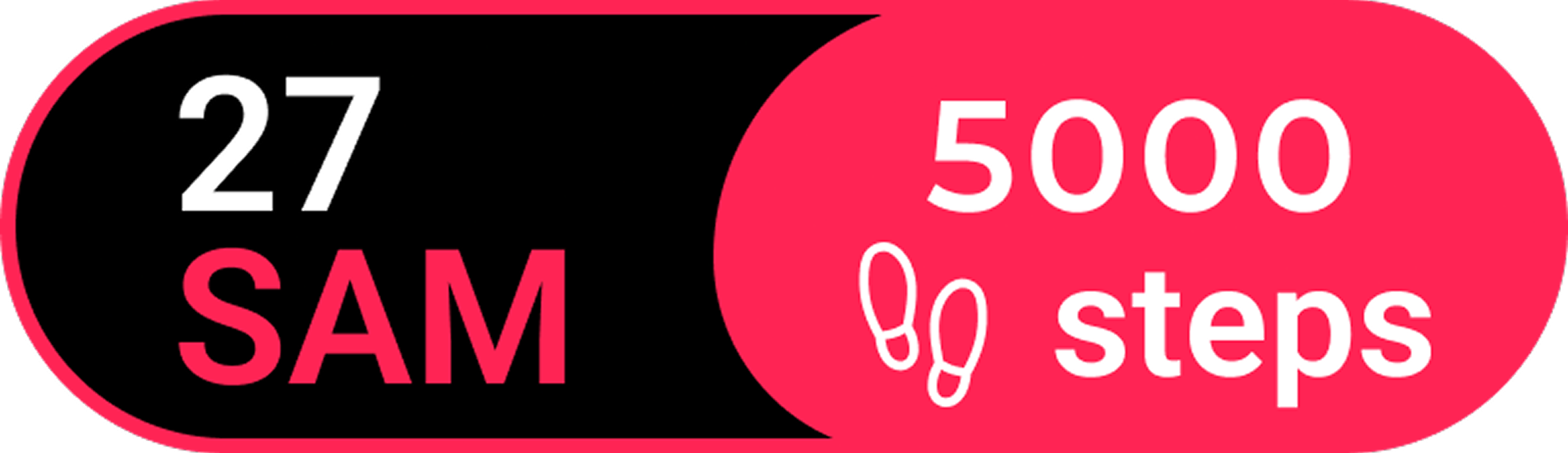
Date / Calories
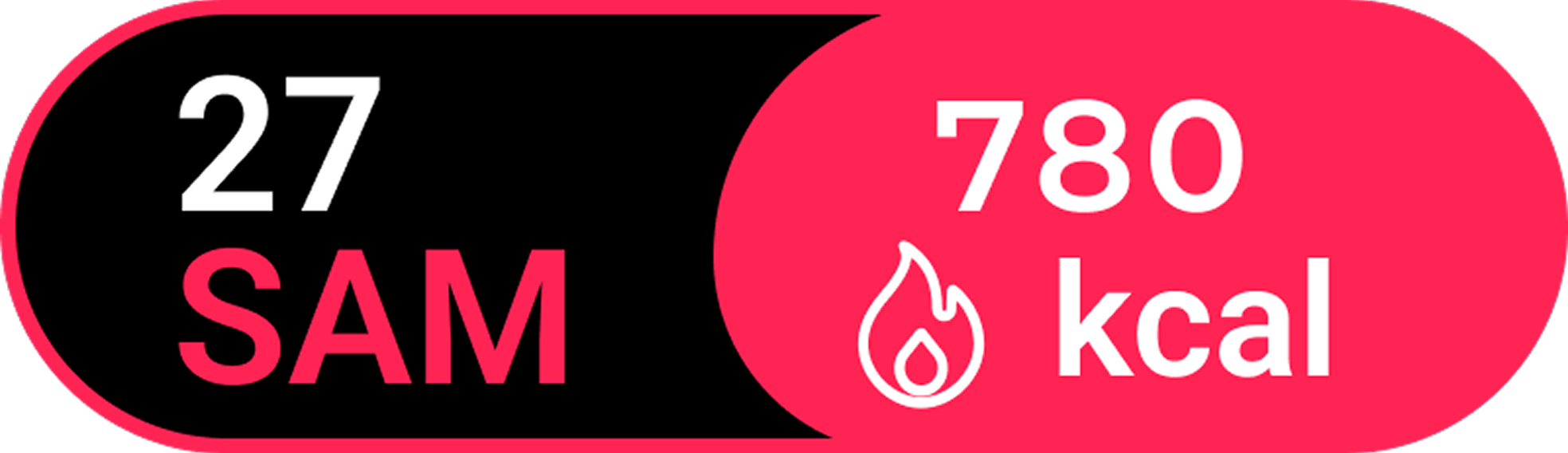
Time / Notifications (paired mode only) / Alarm / Steps
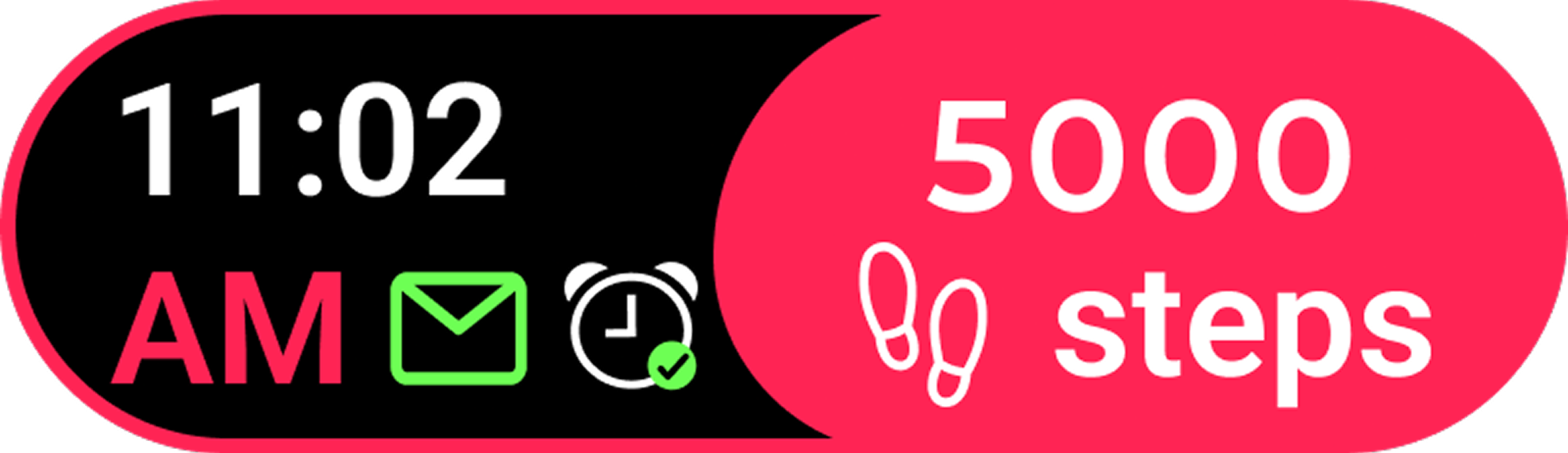
Time / Notifications (paired mode only) / Alarm / Calories
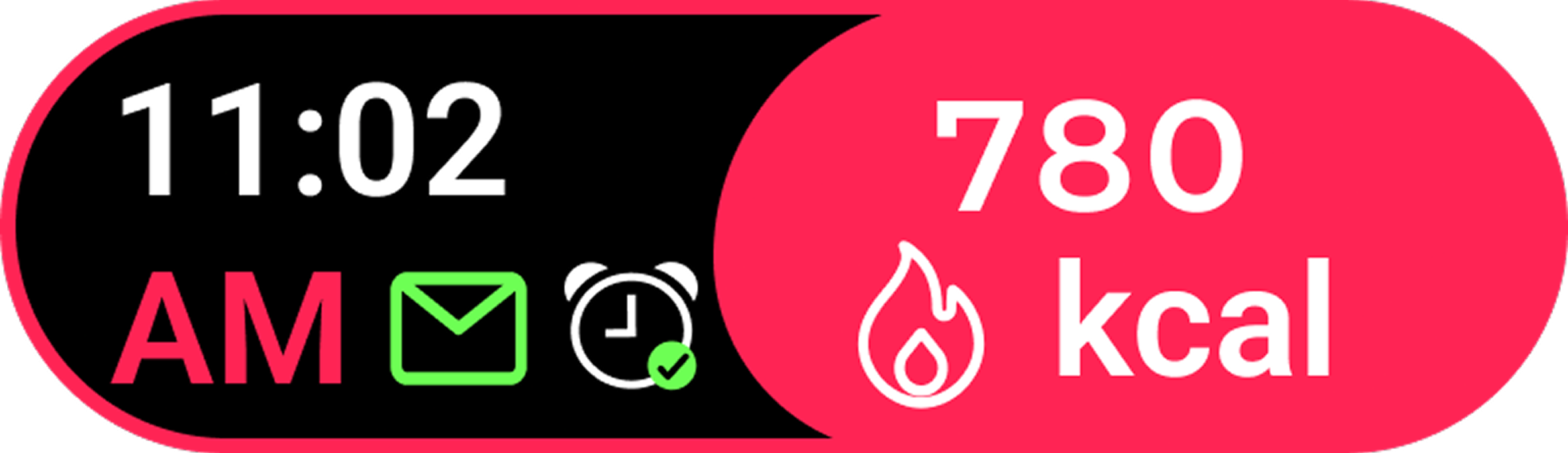
Date / Time
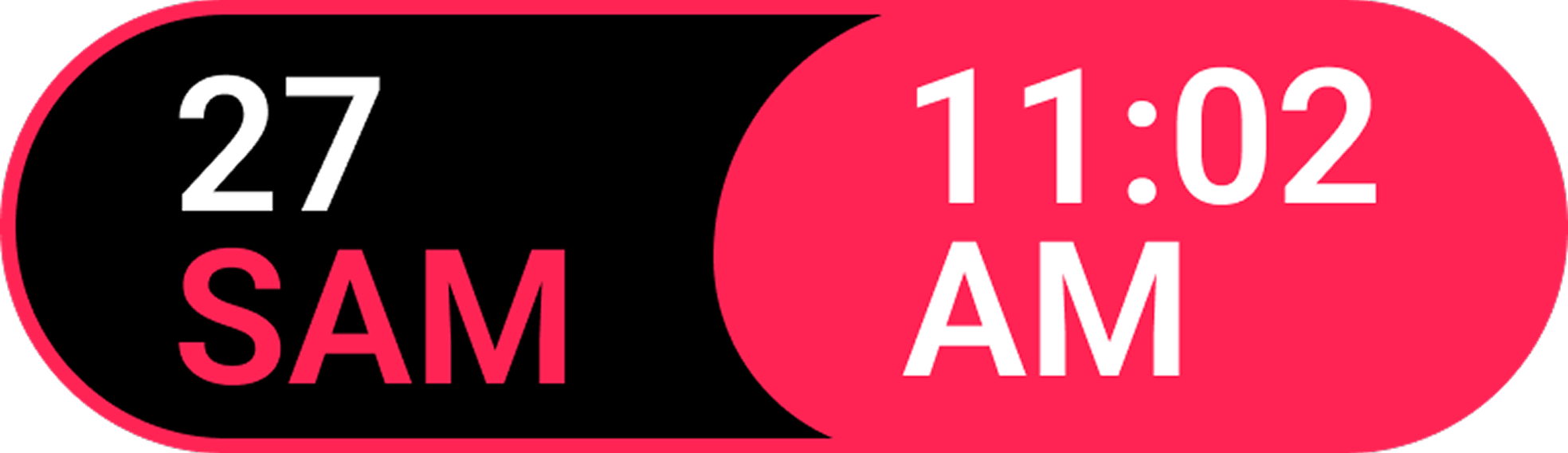
Information
The selected watch face is saved for each watch individually.