Alerts
Activation / deactivation
1 Activate the watch
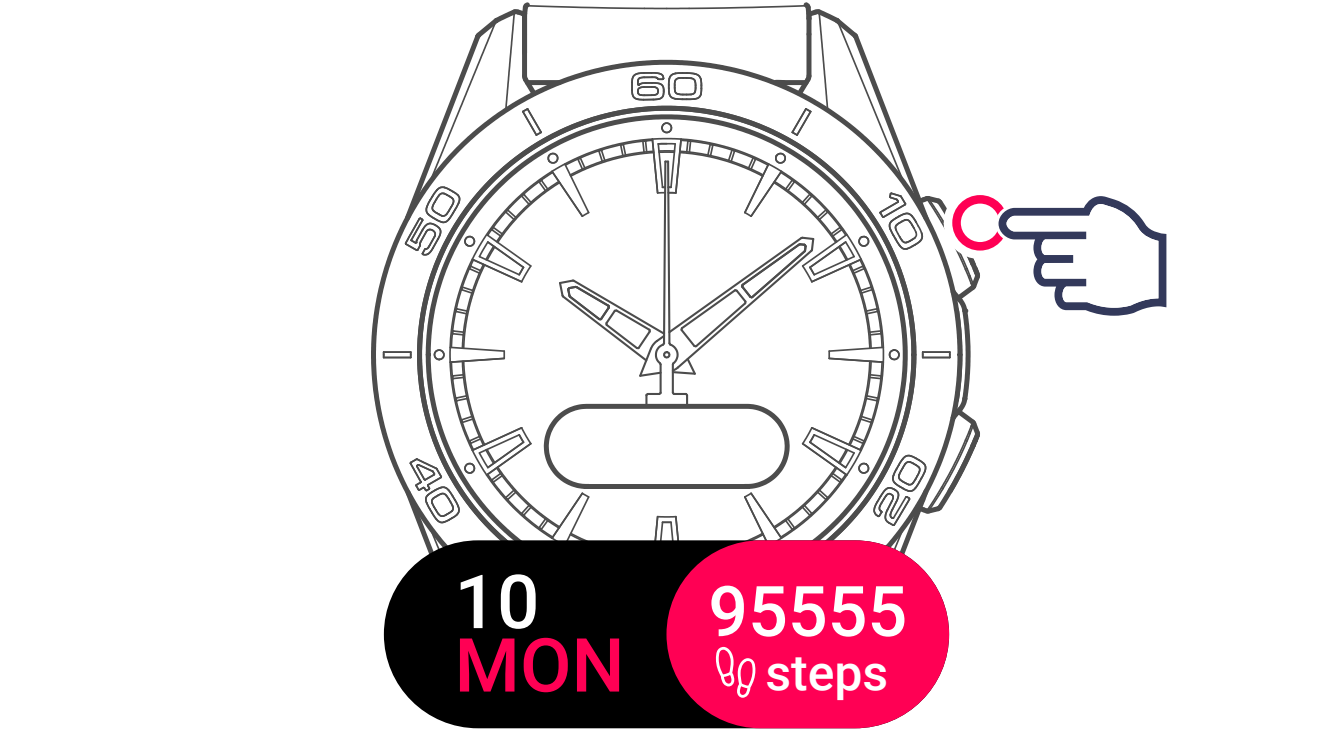
2 Display and select the settings menu
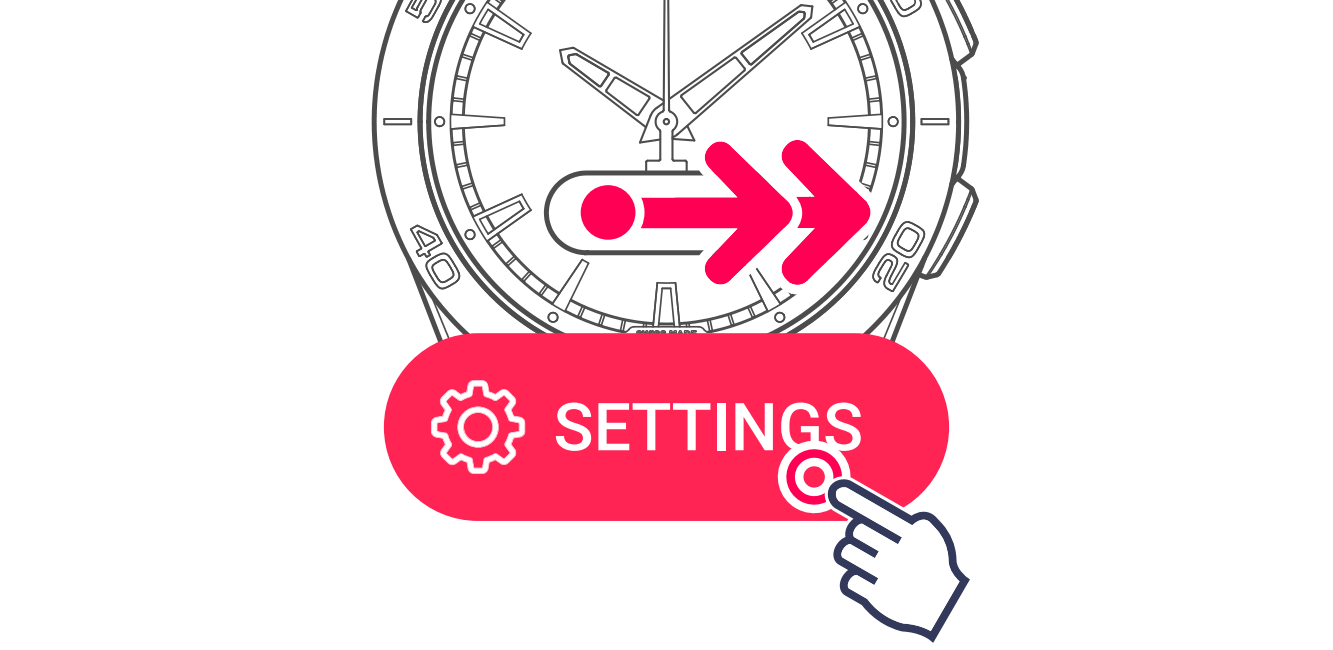
3 Display and select the alerts setting

4 Activate / deactivate alerts
Swipe left or right to browse through the different alerts. Use the toggle to activate or deactivate each one.

- Move alerts: Get notified when you haven't moved enough.
- Goal alerts: Get notified when you have reached your daily goal.
- Connection alerts: If alerts are activated, the watch will beep when its connects to or disconnects from the app.
- Activity alerts: Get notified when the watch detects you've stopped or started moving again during an activity.