Start-up
When first used or after reinitialising, some parameters on your T-Touch Connect Sport will need to be set.
1 Activate the watch
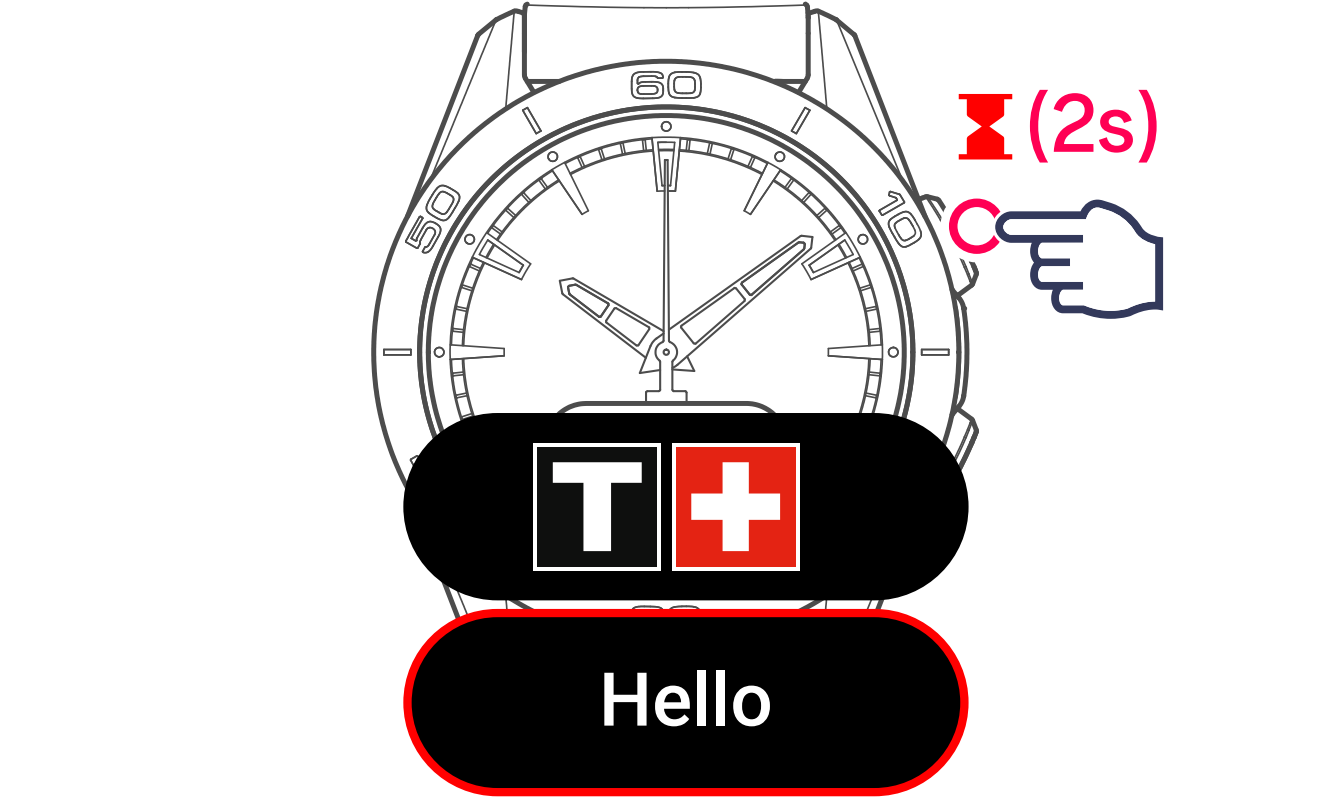
Press the upper pusher for 2 seconds.
2 Select the language
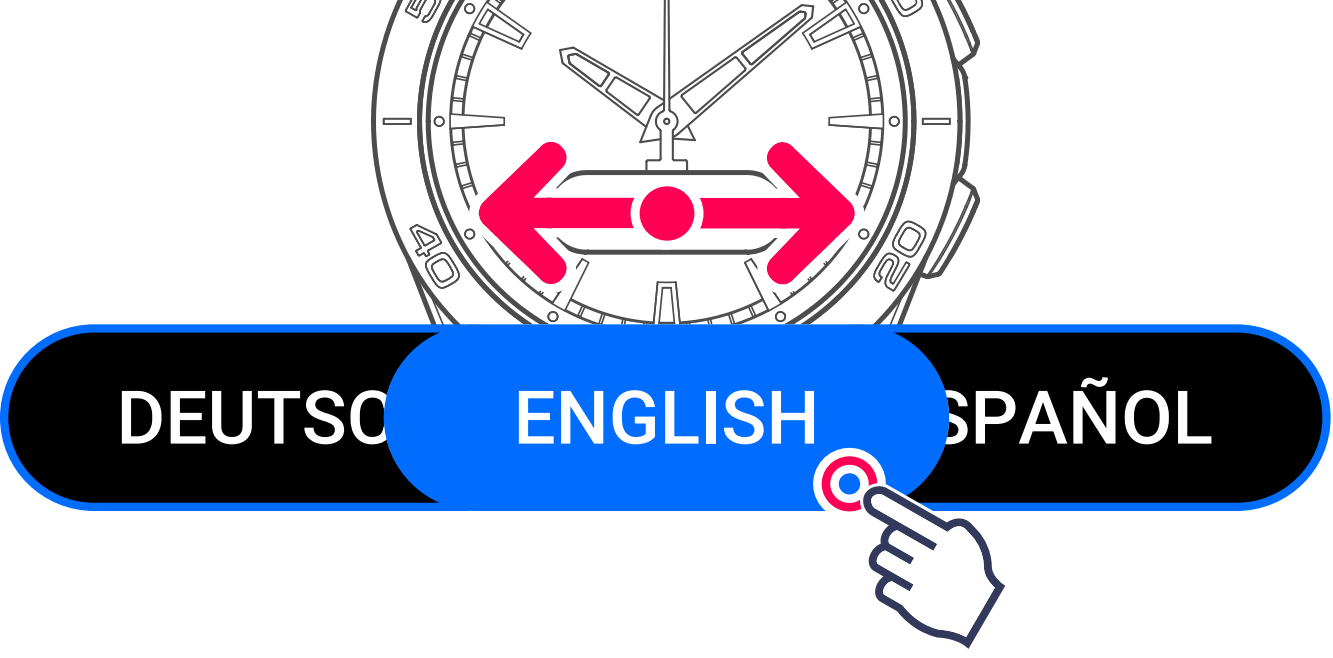
Swipe the screen sideways to display the languages.
3 Touch the screen to select the operating mode

Accept: the watch will be connected to the Tissot app that you will install on your smartphone. The time, date and other information will be loaded automatically from the app.
Refuse: the watch will operate on its own. You will need to set the date and time.
Paired mode
1 Download and install
Download and install the Tissot app on your smartphone.

When the app is installed, the screen will display the pairing code.

2 Check and confirm the codes
The codes are identical, confirm on the app and on the watch.

Pairing is finished.

We recommend you fill out your personal data in the Tissot app to improve the activity measurement precision.
Your watch is ready for use. Get to grips with the operations and menus by following the familiarisation information.
Non-paired mode
Use your watch in non-paired mode (without connecting to your smartphone).
1 Select the year
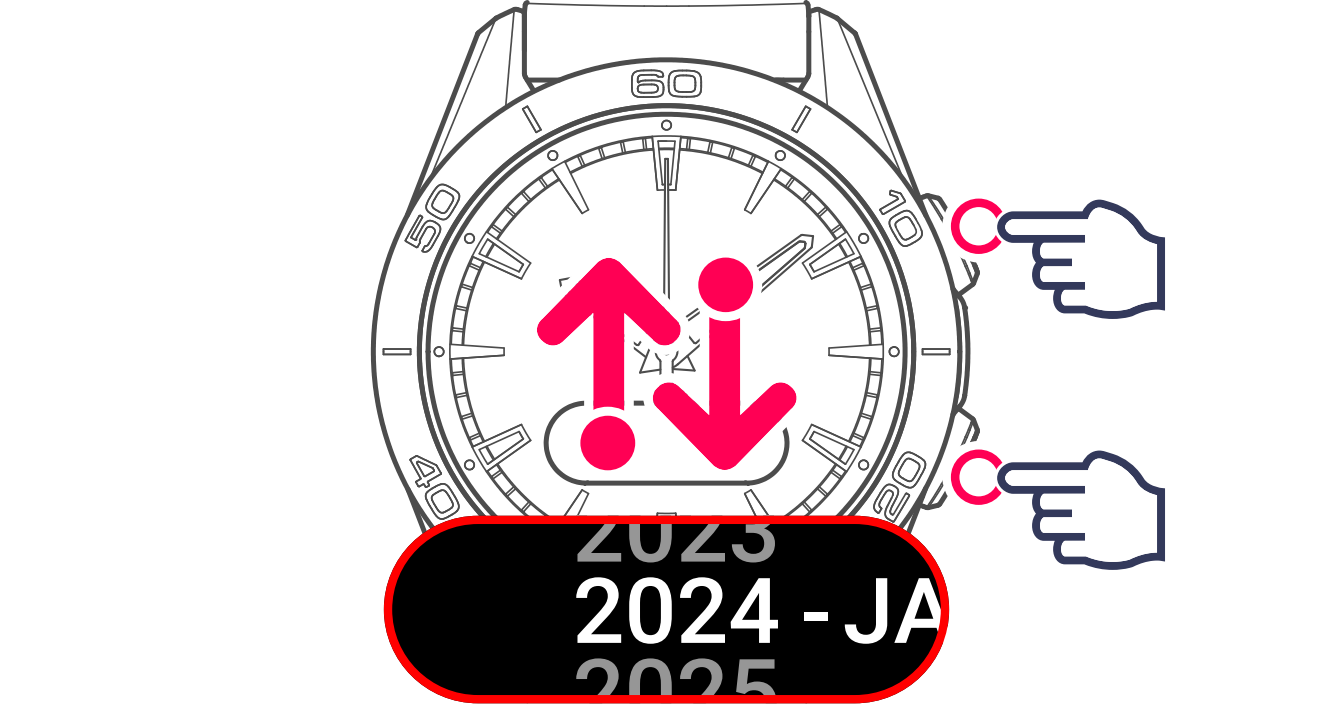
Then go to the next setting.

2 Select the month
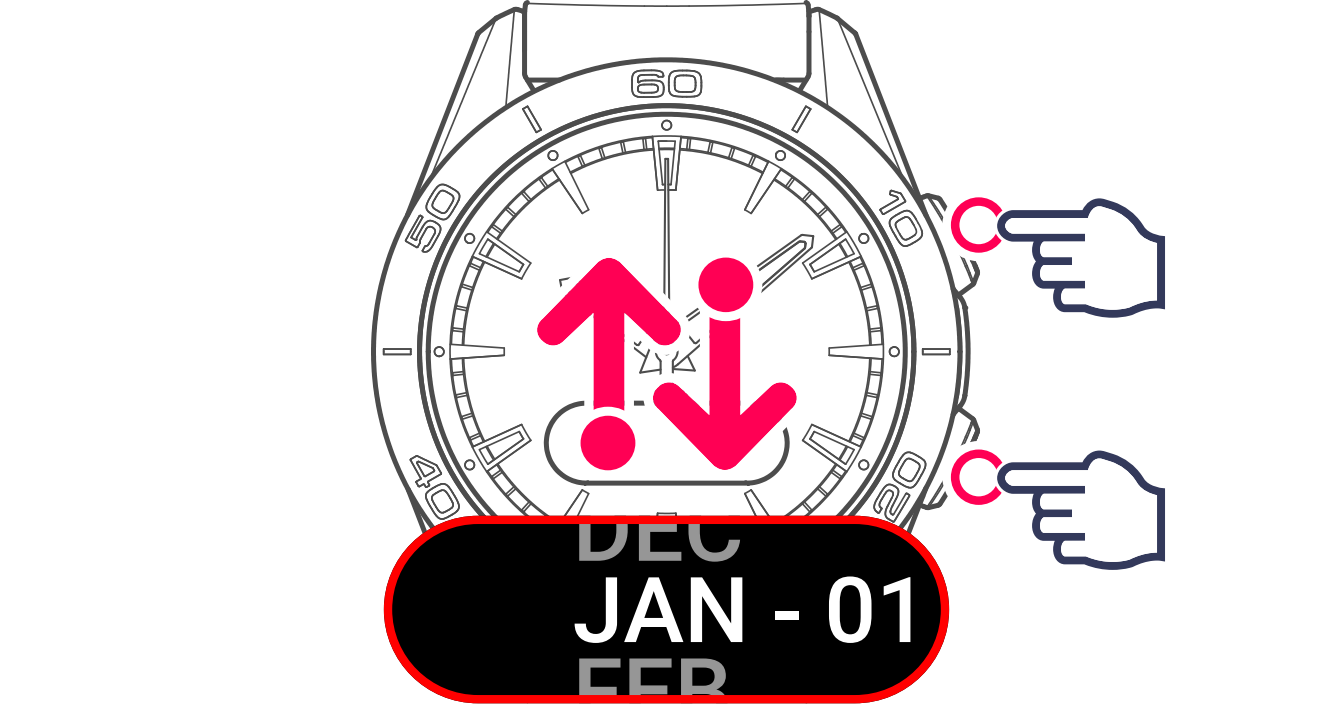
Then go to the next setting.
3 Select the date and confirm
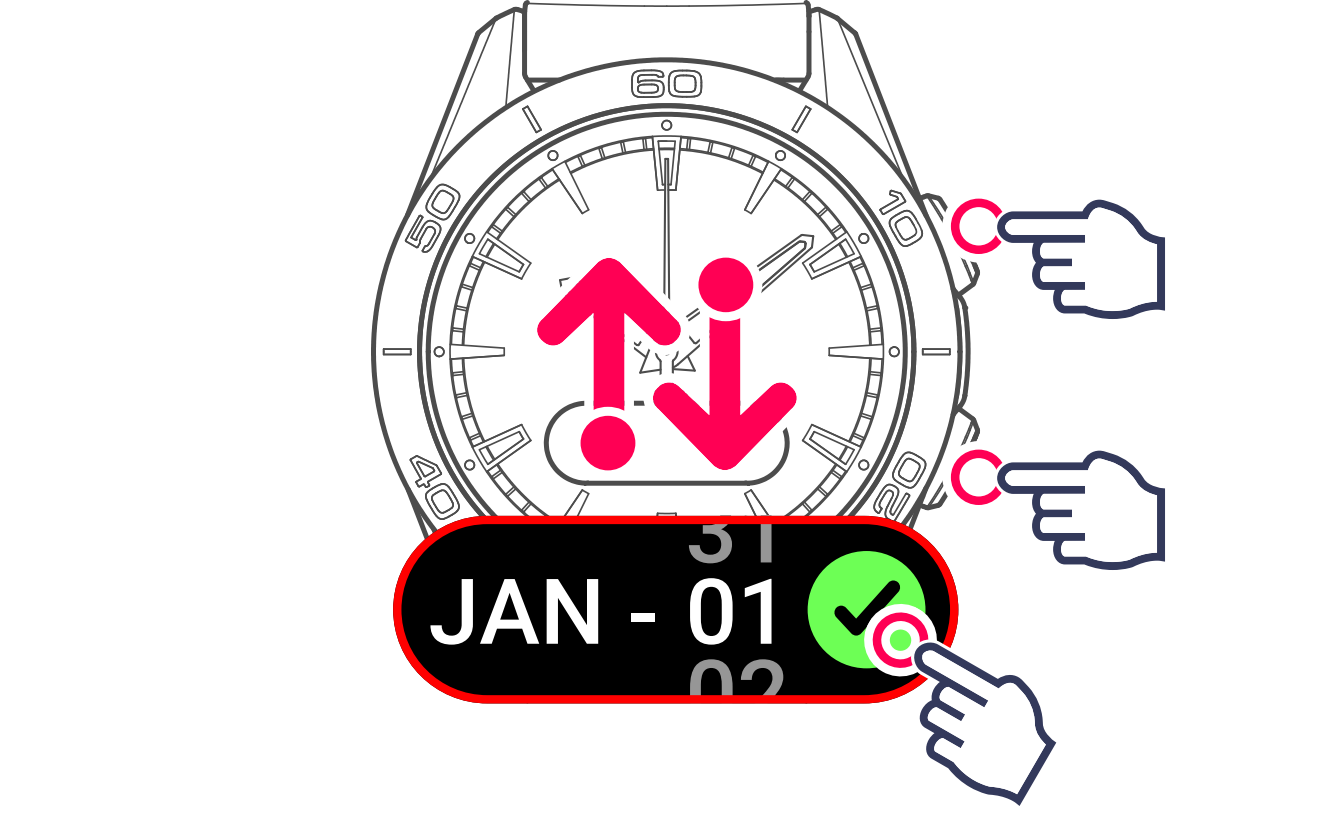
4 Select the time format
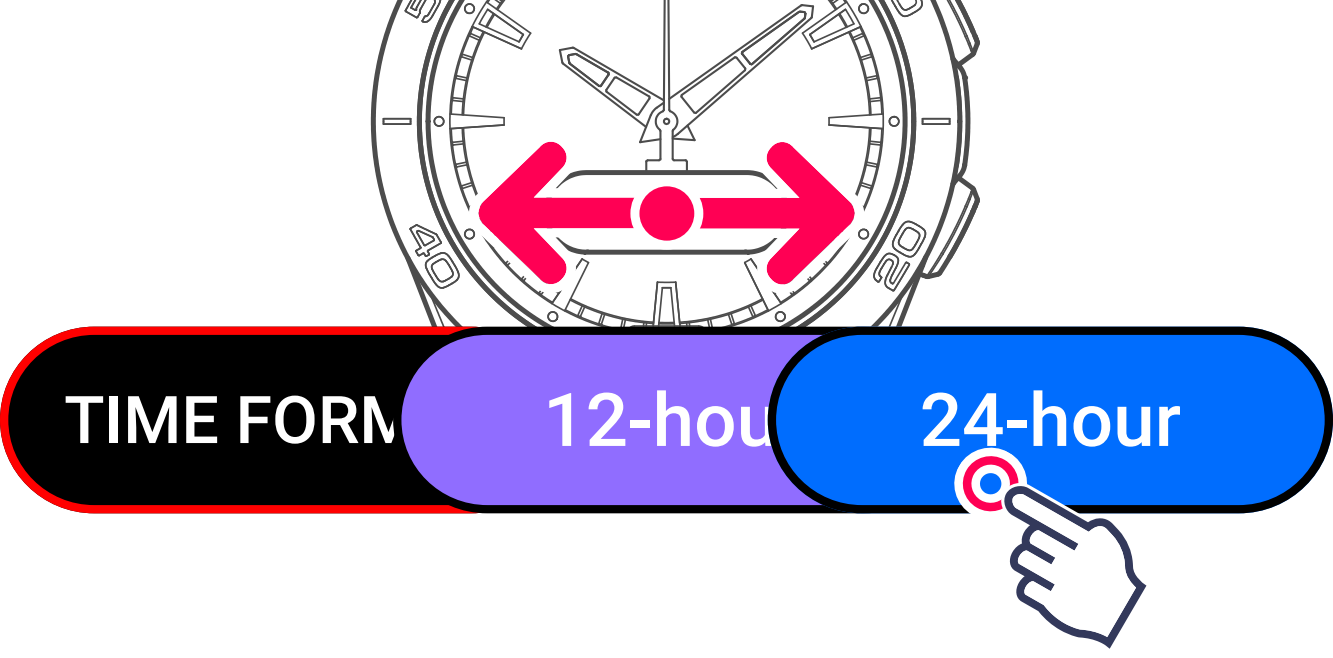
Start-up in non-paired mode is finished.

Your watch is ready for use. Get to grips with the operations and menus by following the familiarisation information.