Quick actions
From the Tissot mobile application settings, you can assign a quick action to your watch top pusher. Once configured, with the watch screen off, press and hold the top pusher for 2 seconds to trigger the selected action. Press the bottom pusher to deactivate it.
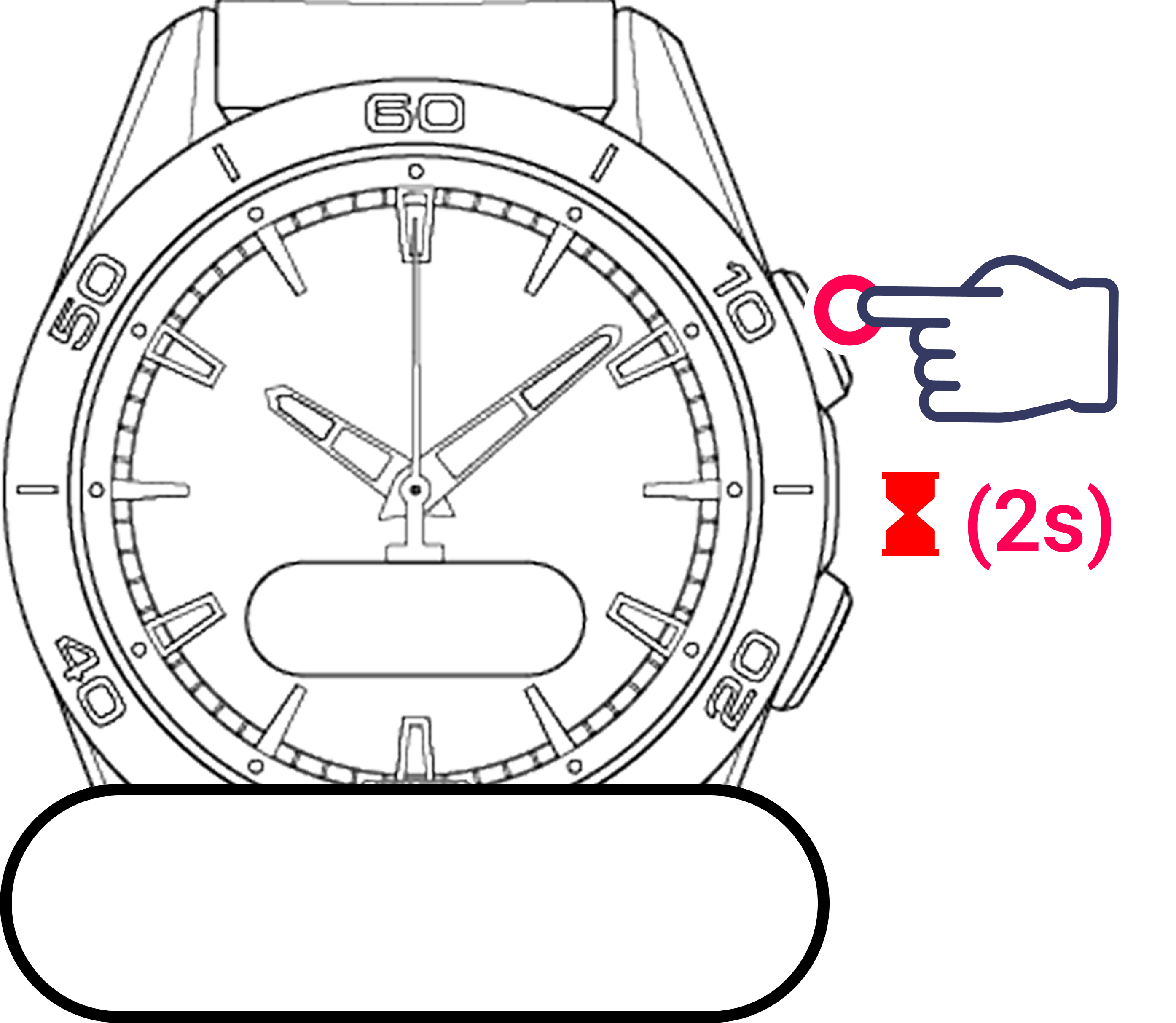
Available quick actions
The following options can be added to quick actions:
- Wake up the watch
- Activities
- Heart Rate Monitor
- Notifications
- Timers
- Timezones
- Chronograph
- Find my phone
- Battery & Connectivity
- Flashlight
How to configure
- Open the Tissot T-Touch Connect Sport mobile application.
- Go to the watch settings.
- Select Quick Action.
- Pick the action you want assigned to the pusher.
- Select the action again to confirm. A tick will indicate the action has been set.
Warning
The quick action only works when the watch screen is off and no chronograph or activity is running.