Stairs
Note
This is an indoor activity. It does not track your location using GPS.
Track your stairs session with your watch.
1 Activate the watch
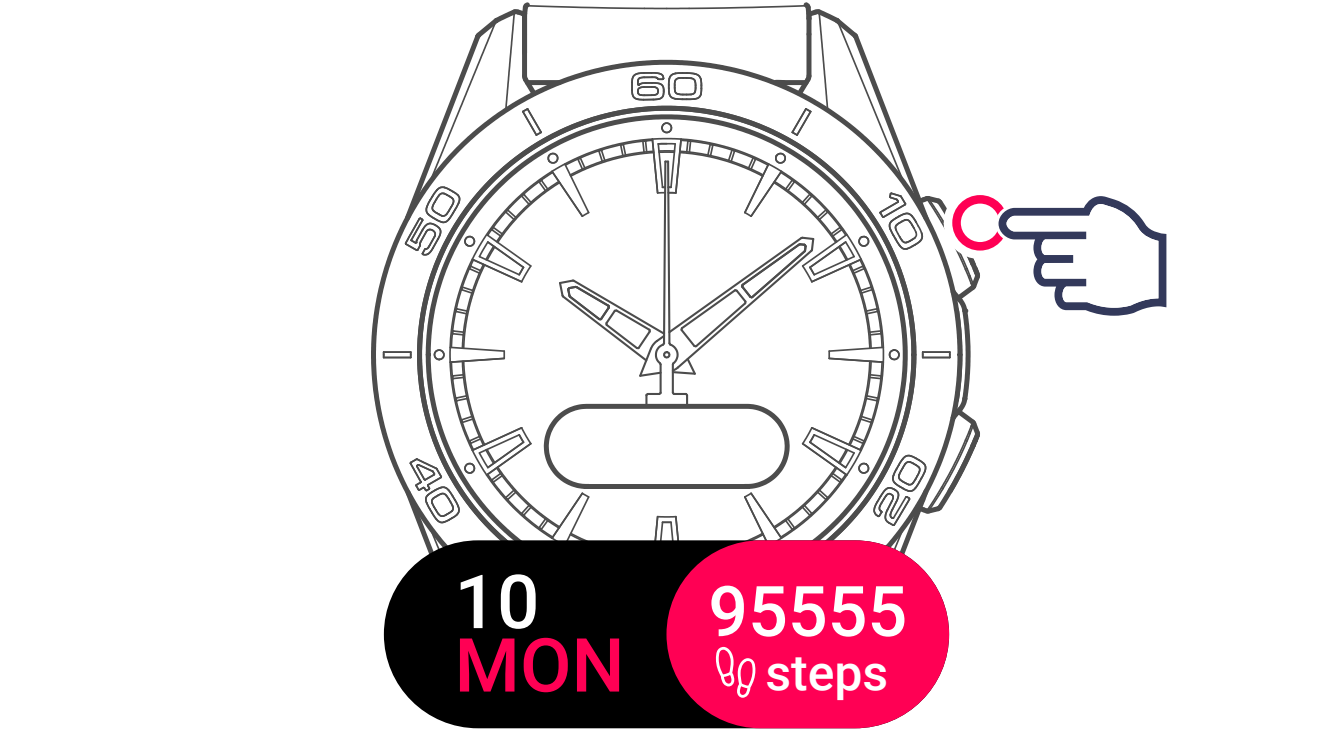
2 Display activities
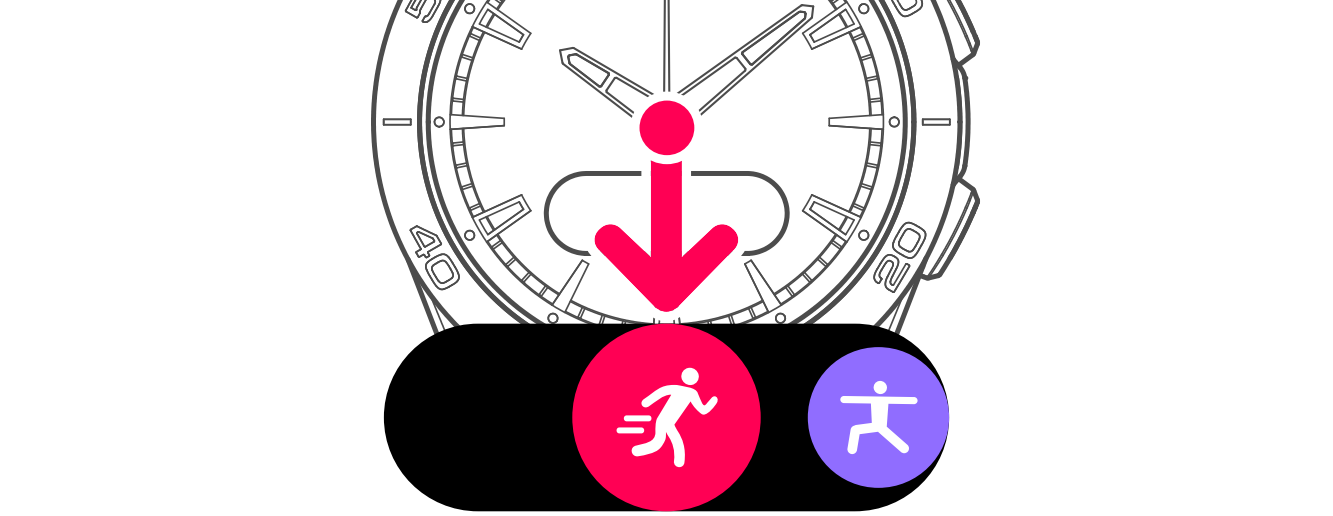
3 Display and select the activity
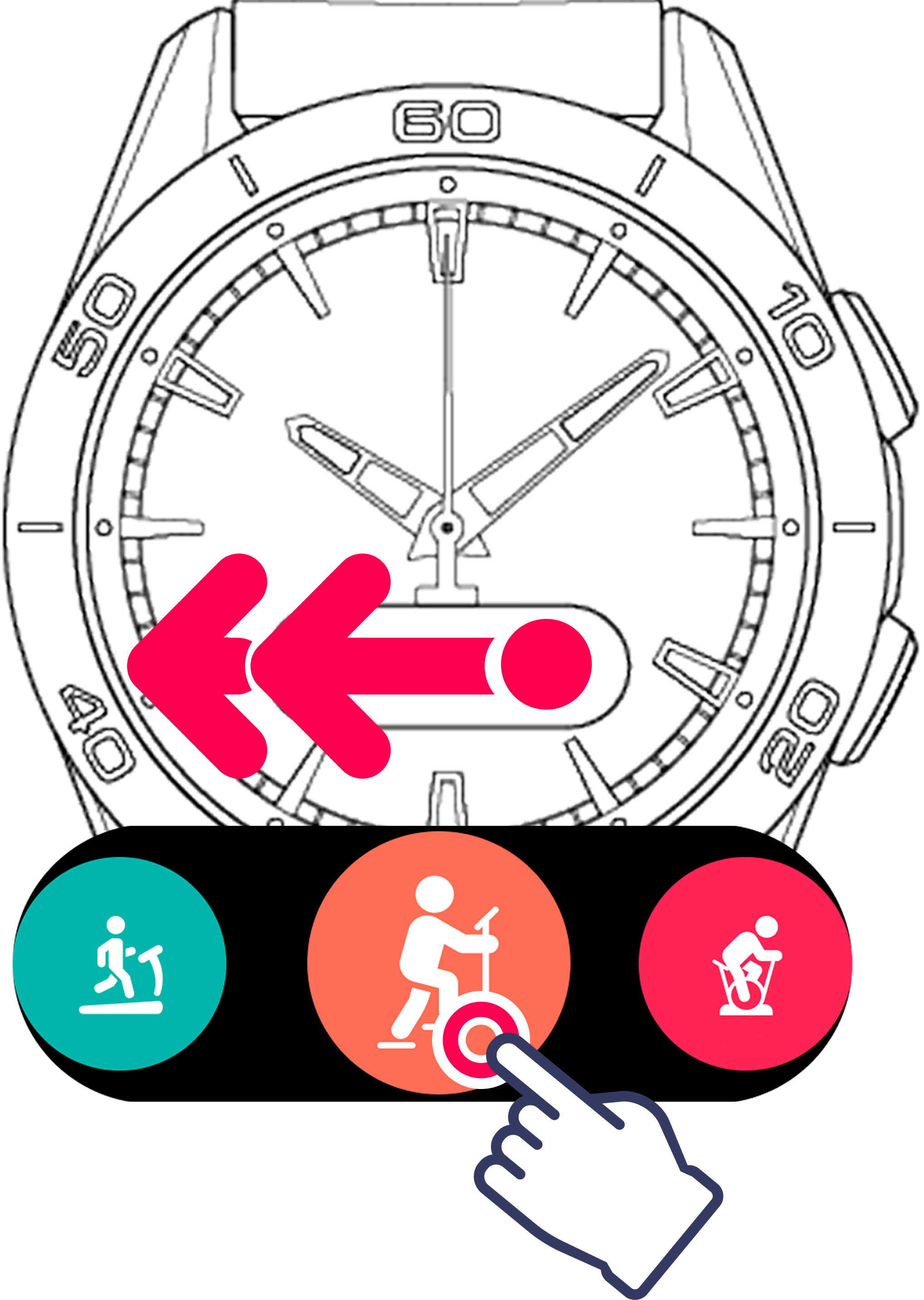
The watch is ready to track your activity.

The countdown is started automatically.

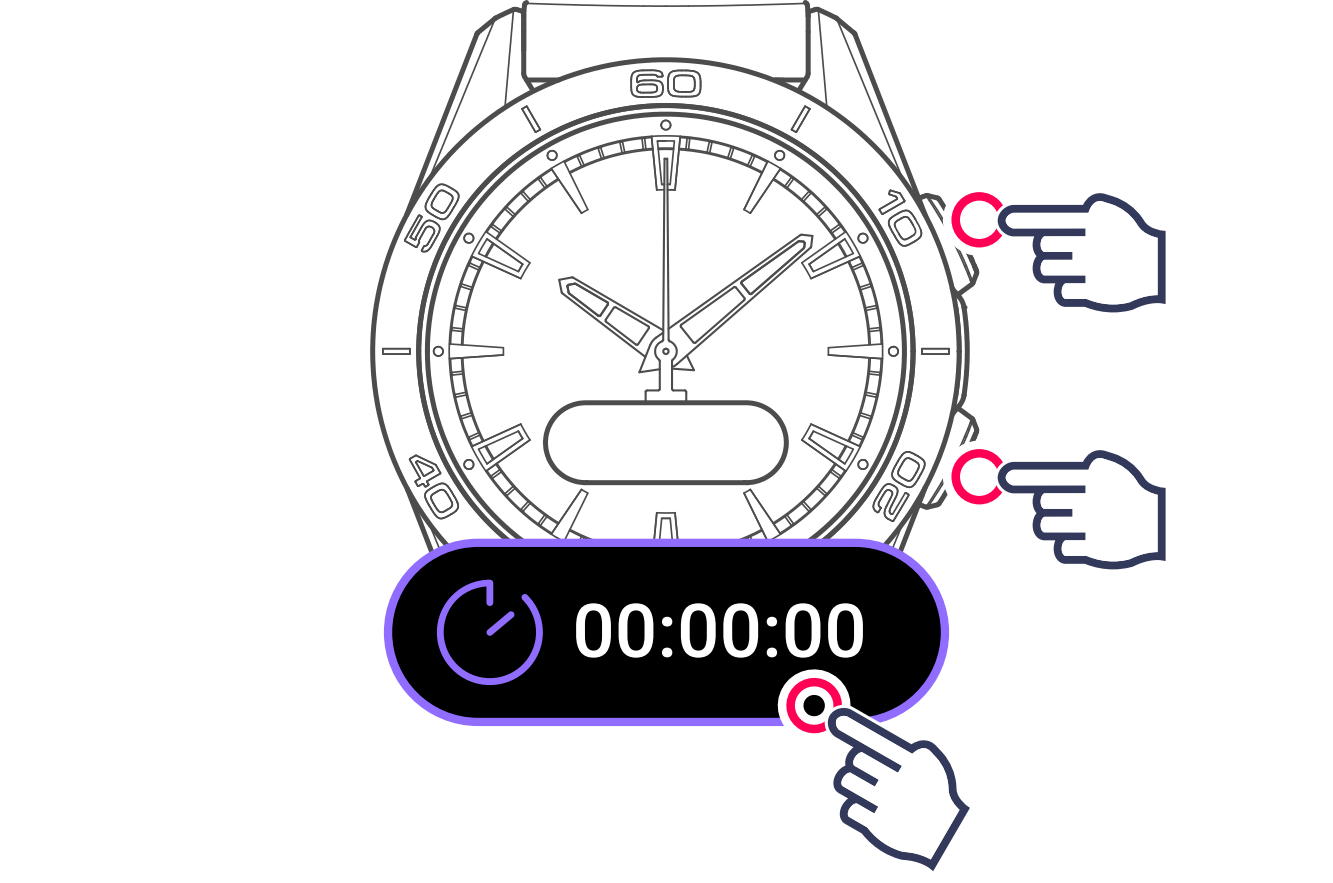
Your activity will start being saved, with the time displayed.

4 View the activity data
Use the watch's pushers or touch the screen.
Note
During an activity, raise your wrist to wake the screen and read your data. Wrist raise detection is turned off while the activity is paused.
Information
During the activity, the watch will switch to standby to save the battery. Touch the screen to reactivate the display.
Data being saved:
- Activity time
- Energy burned

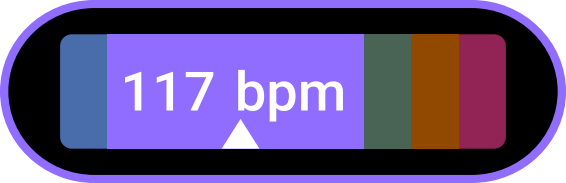
- Heart rate

- Training zone (heart rate)
5 Exit activity
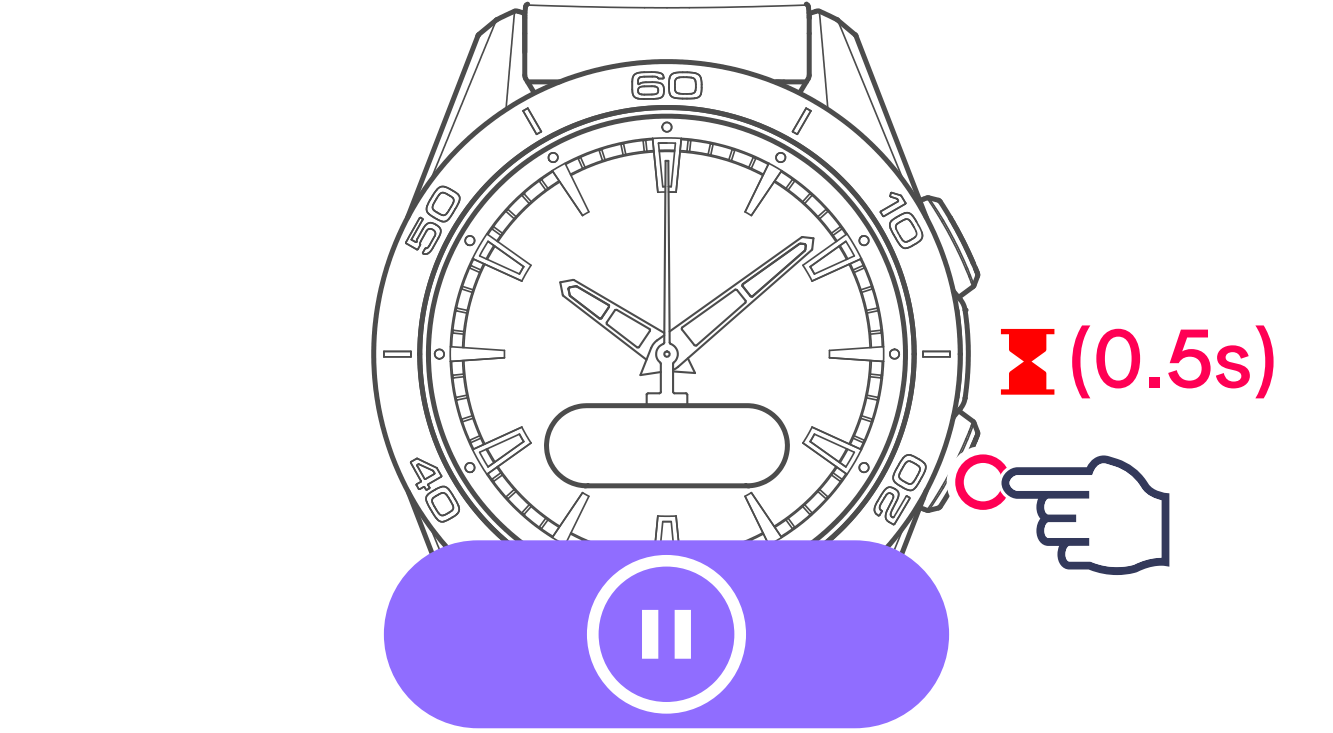
The watch offers 2 options:

Restart tracking the current activity

Finish and confirm end of tracking