Running
This is an outdoor activity. It uses GPS to track your position and route.
Track your running activity, and save your data.
The app must be open on your smartphone.
1 Activate the watch
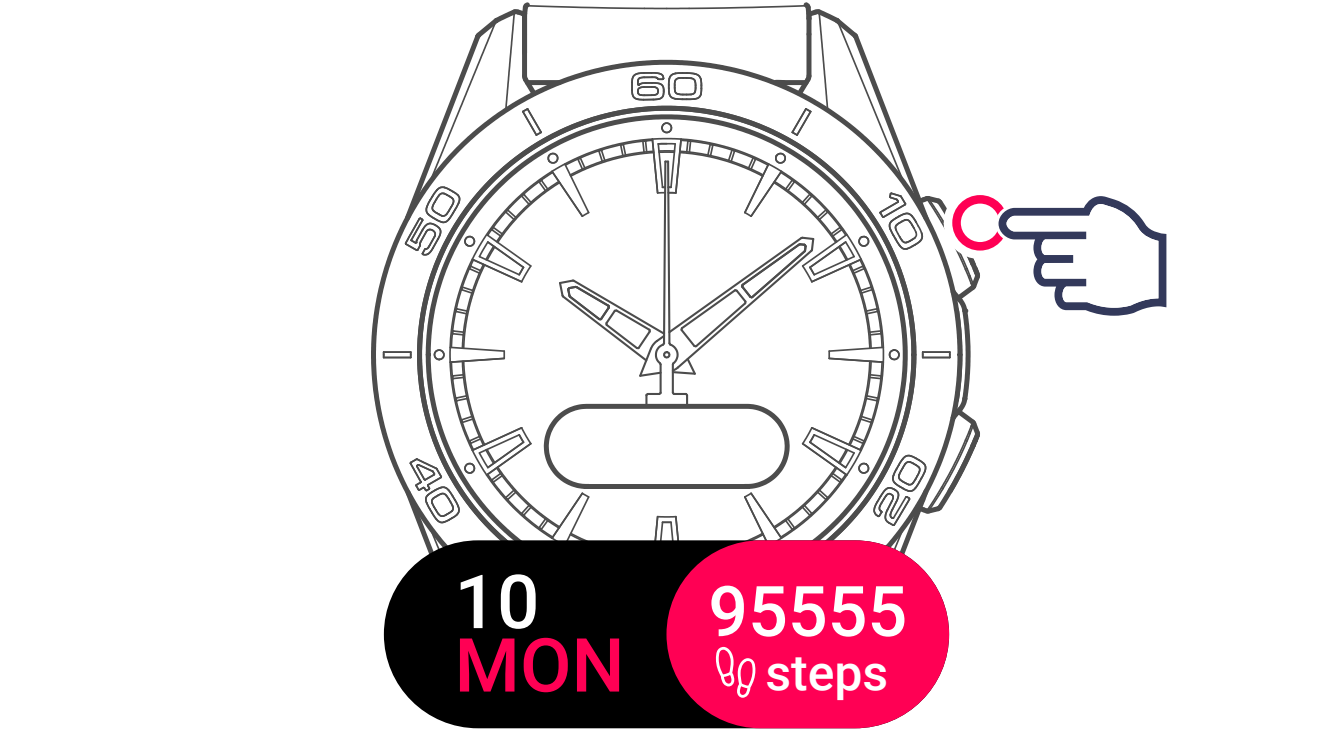
2 Select the activity

The watch will connect to GPS.

Touch the screen to start the activity without waiting for the GPS connection.
The route will start being saved as soon as the connection is established.
The watch is ready to track your activity.

The countdown is started automatically.

Your activity will start being saved, with the time displayed.

Smart Pause & Resume
If you stop moving for 30 seconds, the watch will prompt you to pause the activity. If paused and you start moving again, it will prompt you to resume the activity.
- The activity state will not change until you actively confirm the pop-up.
- Each pop-up disappears if the movement that triggered it stops, and reappears if it happens again.
- If you cancel the pop-up, it reappears every hour until you resume or stop the activity.
- The activity will automatically end if the watch is idle for 1 hour.
3 View the activity data
Use the watch's pushers or touch the screen.
During an activity, raise your wrist to wake the screen and read your data. Wrist raise detection is turned off while the activity is paused.
Each time you complete 1 km or 1 mile (depending on your settings), the watch shows a pop-up with your average pace for that lap. Depending on your settings, the pop-up can vibrate and/or play a sound.
In the T-Connect app (paired mode), the activity details show a per-lap summary, including distance, average pace, and altitude gain and loss.

During the activity, the watch will switch to standby to save the battery. Touch the screen to reactivate the display.
Data being saved:
- Activity time
- Number of steps taken

- Distance covered (km or miles)

- Energy burned

- Heart rate

- Training zone (heart rate)

- Time per unit distance (km or miles)

- Maximum altitude reached

- Elevation gain/loss

4 Exit activity

The watch offers 2 options:

Restart tracking the current activity

Finish and confirm end of tracking