Hiking
Track your hiking activity and save your data.
The app must be open on your smartphone.
1 Activate the watch
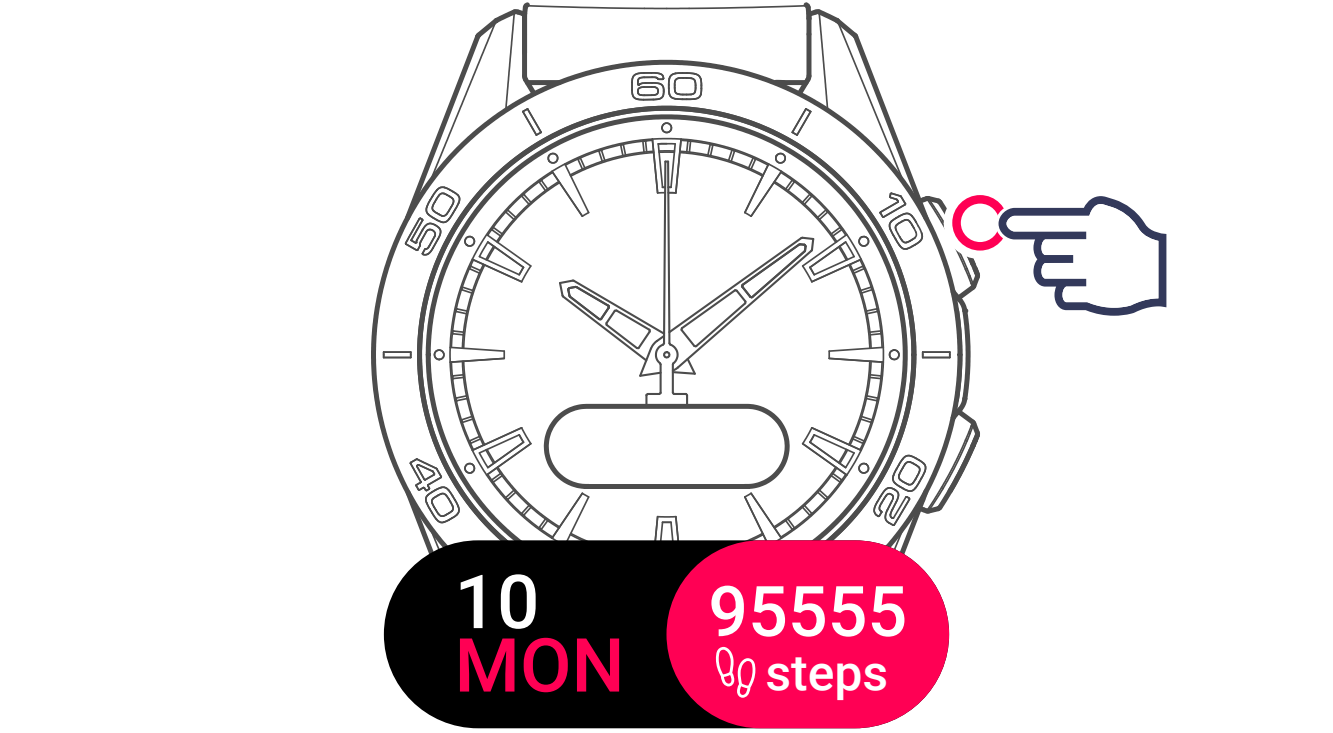
2 Display activities

3 Display and select the activity
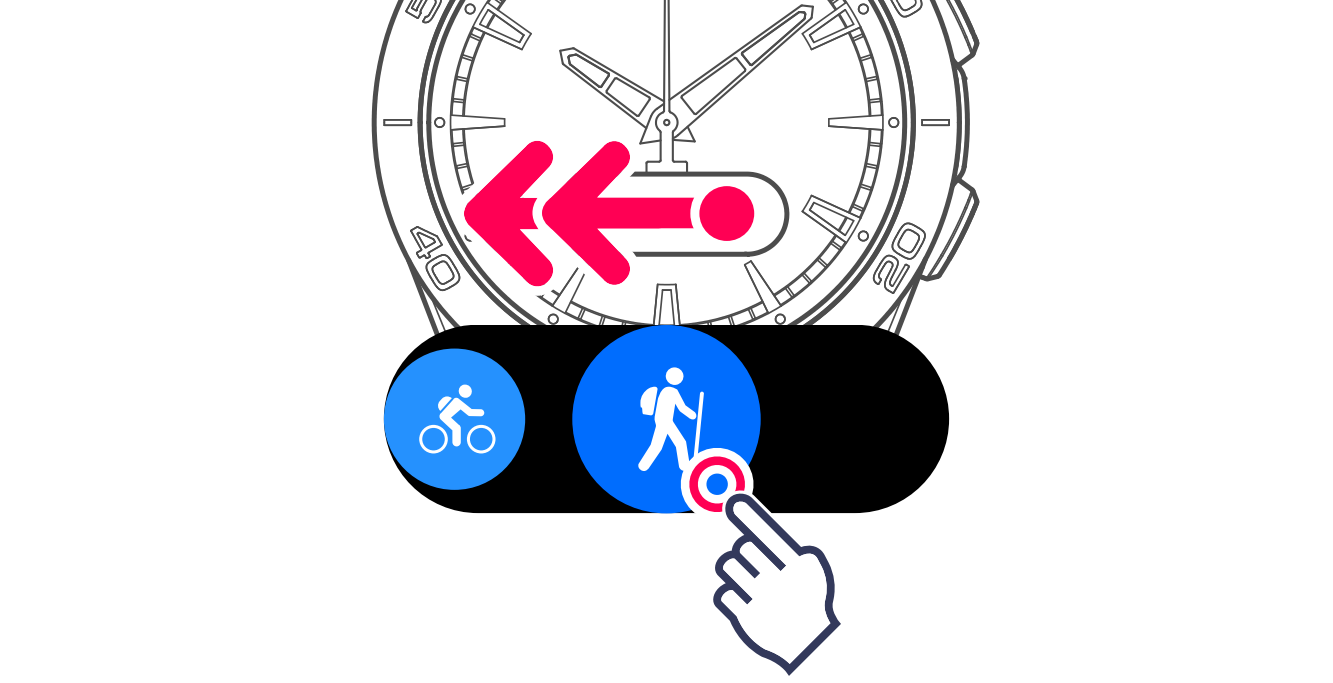
The watch will connect to GPS.

Information
Touch the screen to start the activity without waiting for the GPS connection.
The route will start being saved as soon as the connection is established.
The watch is ready to track your activity.

The countdown is started automatically.

Your activity will start being saved, with the time displayed.

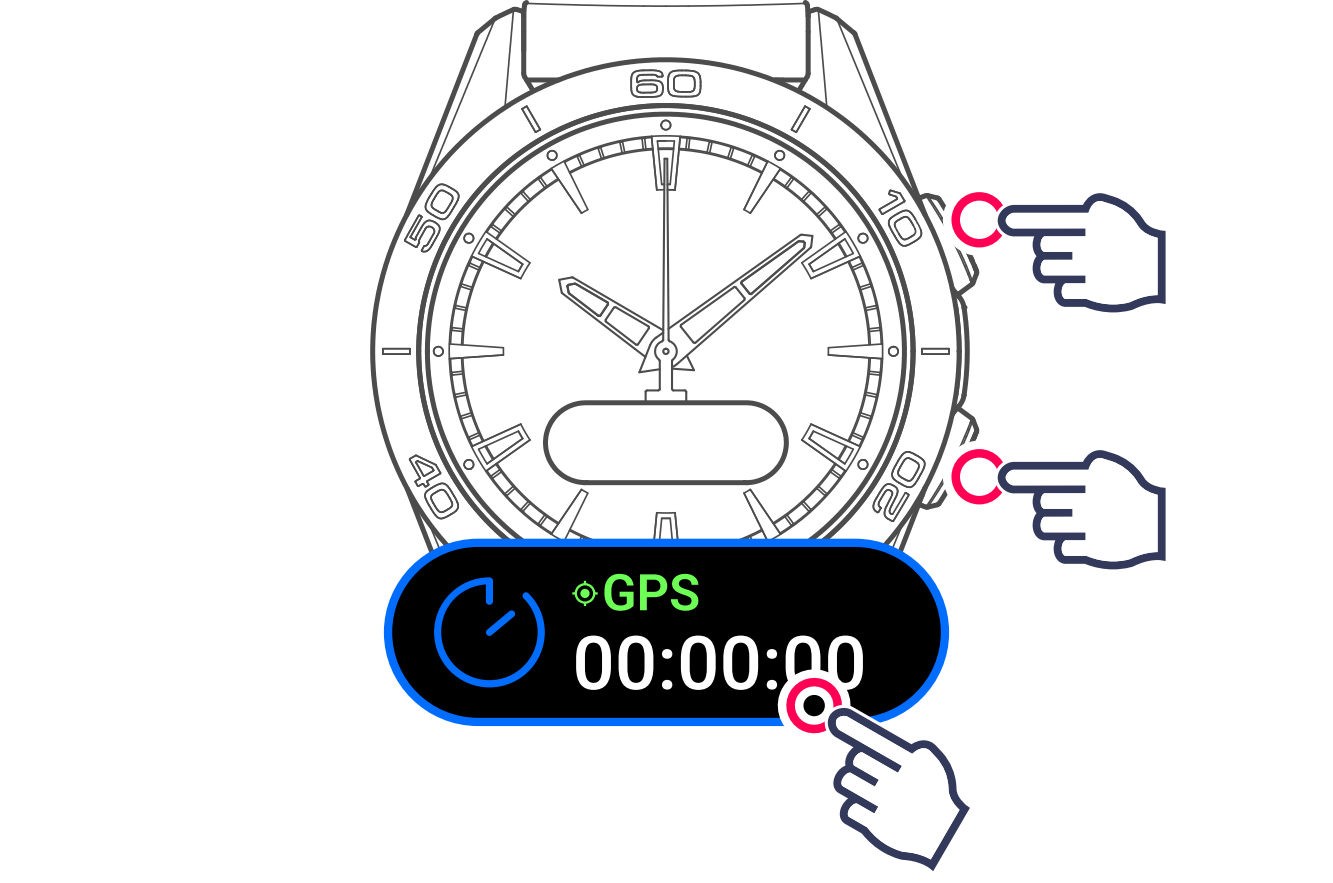
4 View the activity data
Use the watch's pushers or touch the screen.
Information
During the activity, the watch will switch to standby to save the battery. Touch the screen to reactivate the display.
Data being saved:
- Activity time
- Number of steps taken

- Distance covered (km or miles)

- Energy burned

- Heart rate

- Training zone (heart rate)

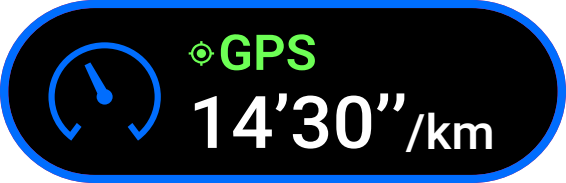
- Time per unit distance (km or miles)
- Maximum altitude reached

- Elevation gain/loss

5 Exit activity
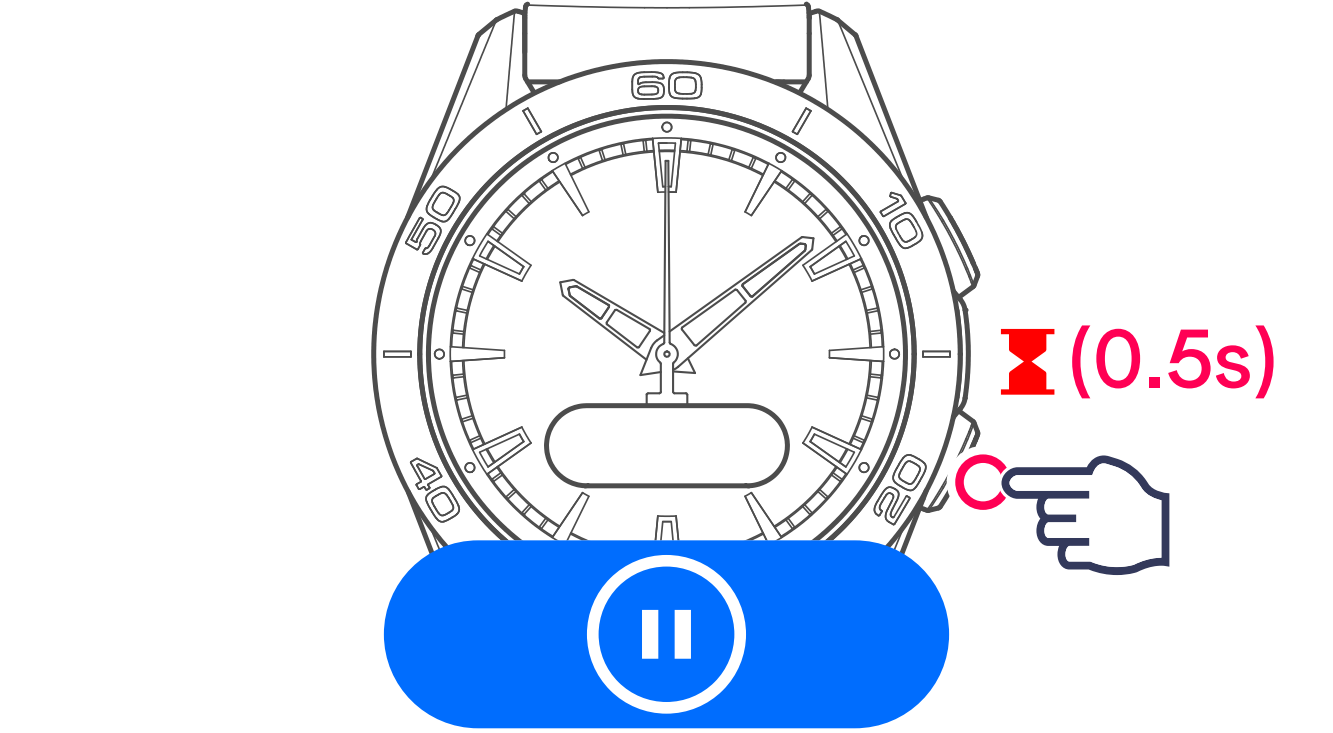
The watch offers 2 options:

Restart tracking the current activity

Finish and confirm end of tracking