Activity history
Your watch displays the data from your most recent activity.
Warning
The watch only stores your most recent activity. Starting a new activity will overwrite this history. Be sure to sync your watch with the T-Connect app to permanently save your data.
1 Activate the watch
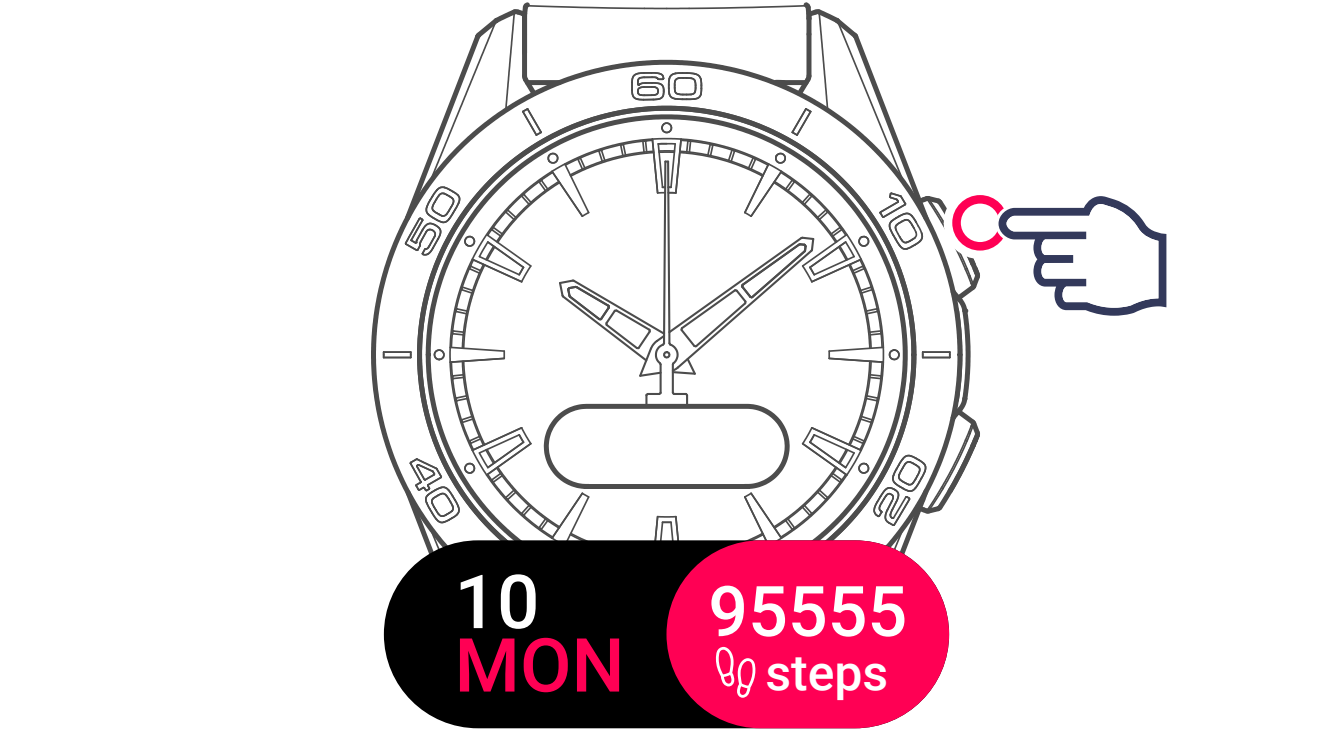
2 Display activities
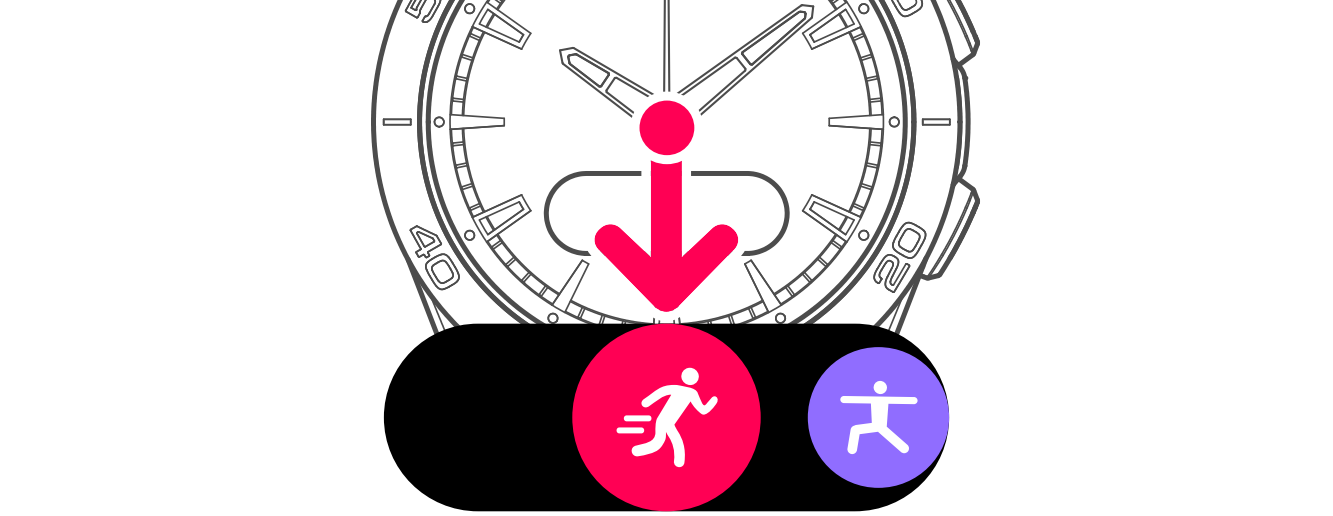
3 Display and select activity history

The screen will display the latest activity.

To view the activity data:

- Activity time

- Distance covered

- Energy burned

- Heart rate

- Pace

Information
The data provided vary according to which activity you are doing.