Time
Note
The options available on this page depend on whether the watch is in paired mode or non-paired mode. This mode is chosen during the watch's initial Start-up.
Information
In paired mode: Choosing a timezone from the list below is available in paired mode. In non-paired mode, TIME 1 and TIME 2 are set manually instead, as part of the watch's initial setup.
1 Activate the watch
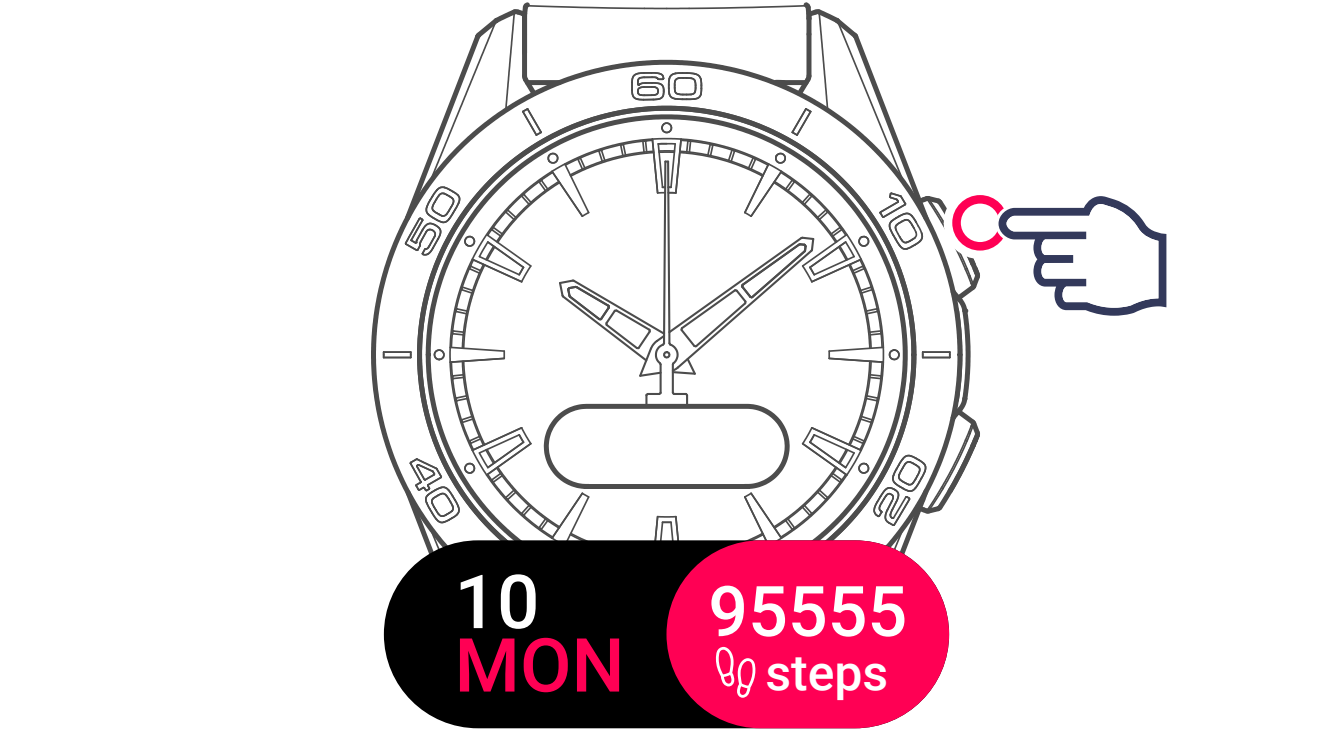
2 Display and select the function
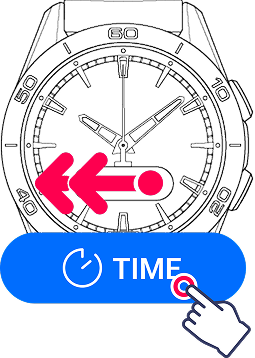
3 Select the timezone you want to set


Tip
The watch always displays TIME 1.
4 Select a Timezone




Scroll through the list of options. You can either:
- Select a preconfigured city (e.g., London, NY, Geneva) to automatically apply that timezone.
Tip
This list can be modified on the Tissot T-Touch Connect Sport mobile application.
- Select Custom to manually set the exact hours and minutes.
5 Confirm

Tap the screen or long-press the upper pusher to confirm your selection for that time slot.
Information
When changing between summer and winter time, the watch will inform you of the change 18 hours beforehand and will update itself automatically.