Alarm
The alarm function sets the watch's chime for a designated time, with the option of repeating it on multiple days.
1 Activate the watch
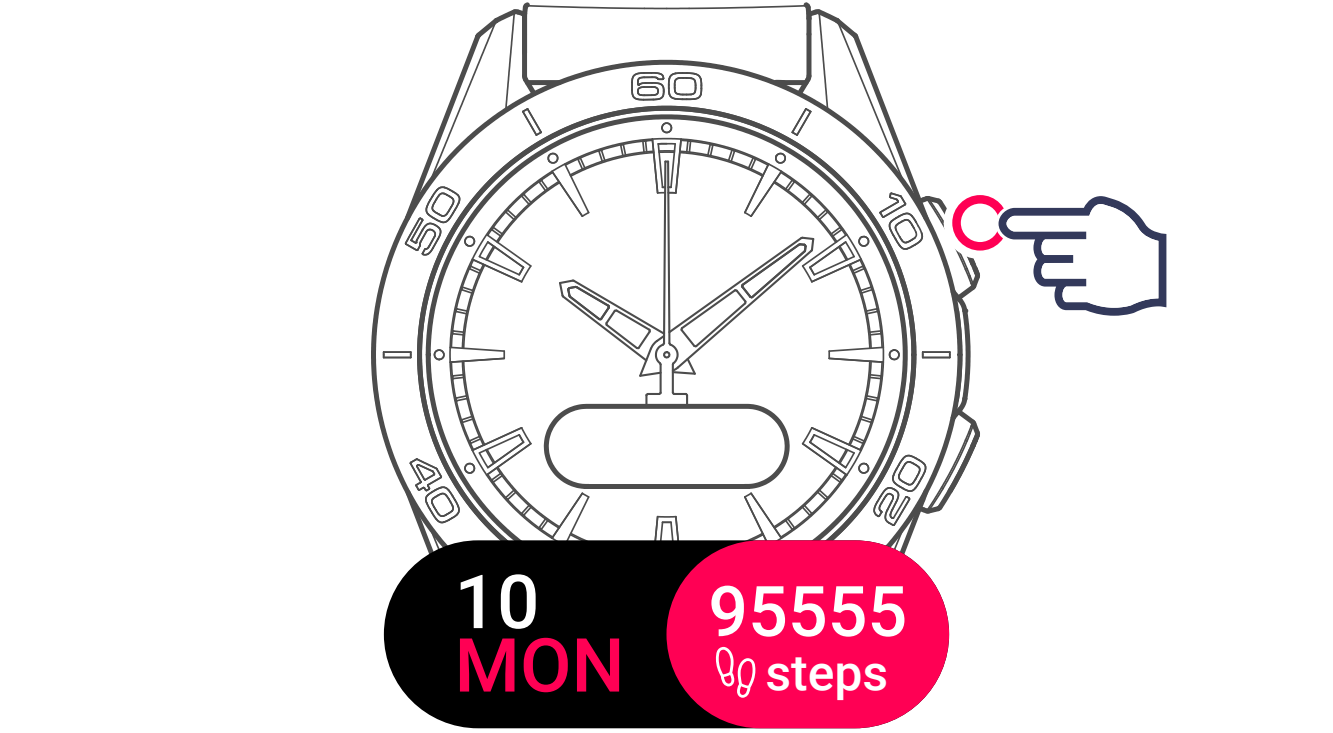
2 Display and select the function
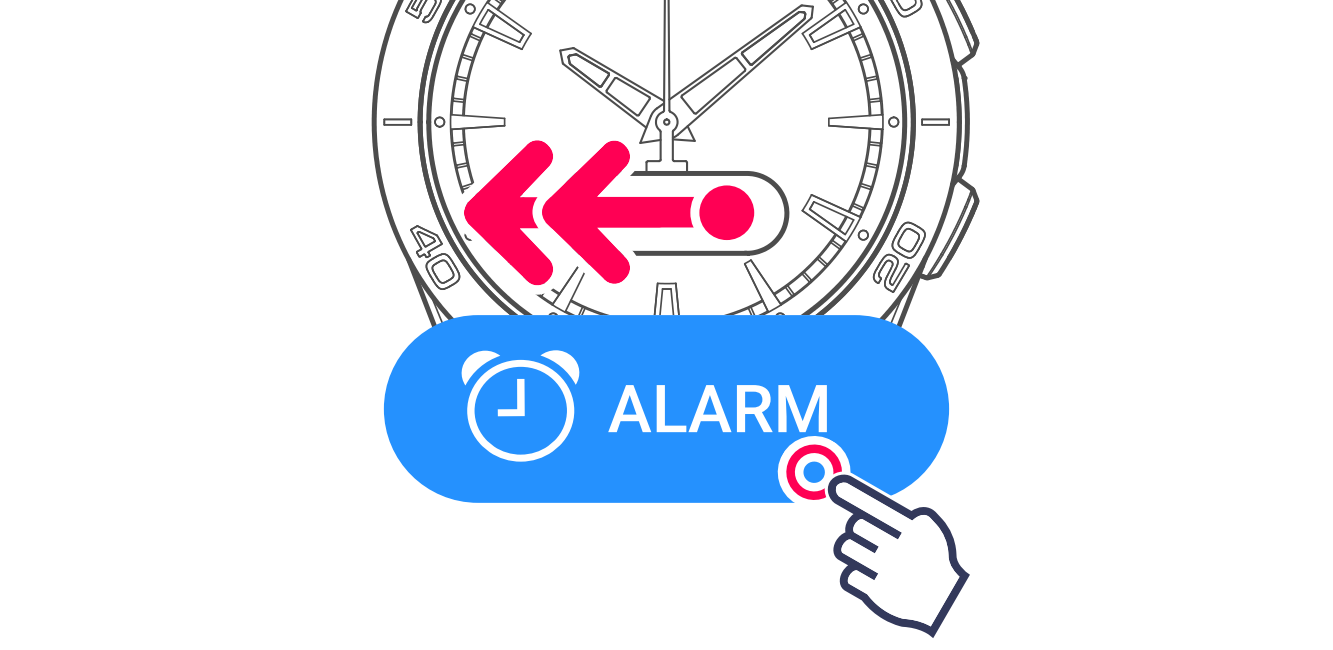
3 Create an alarm
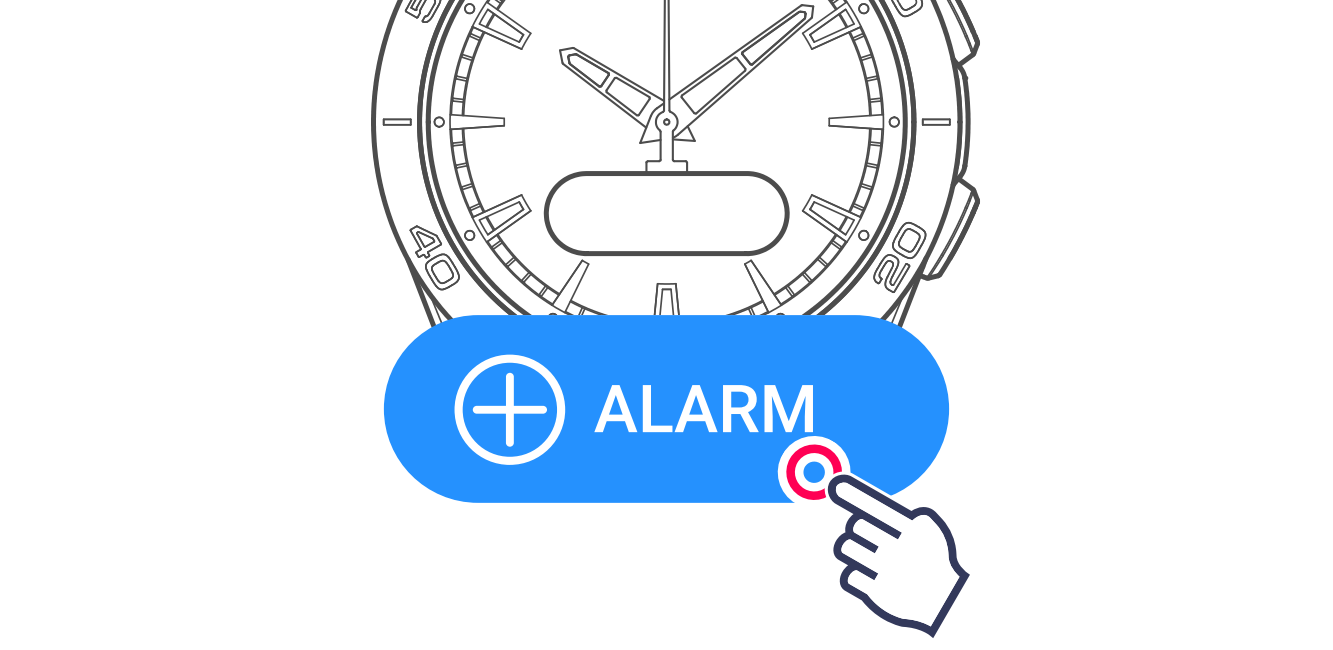
4 Set the hours
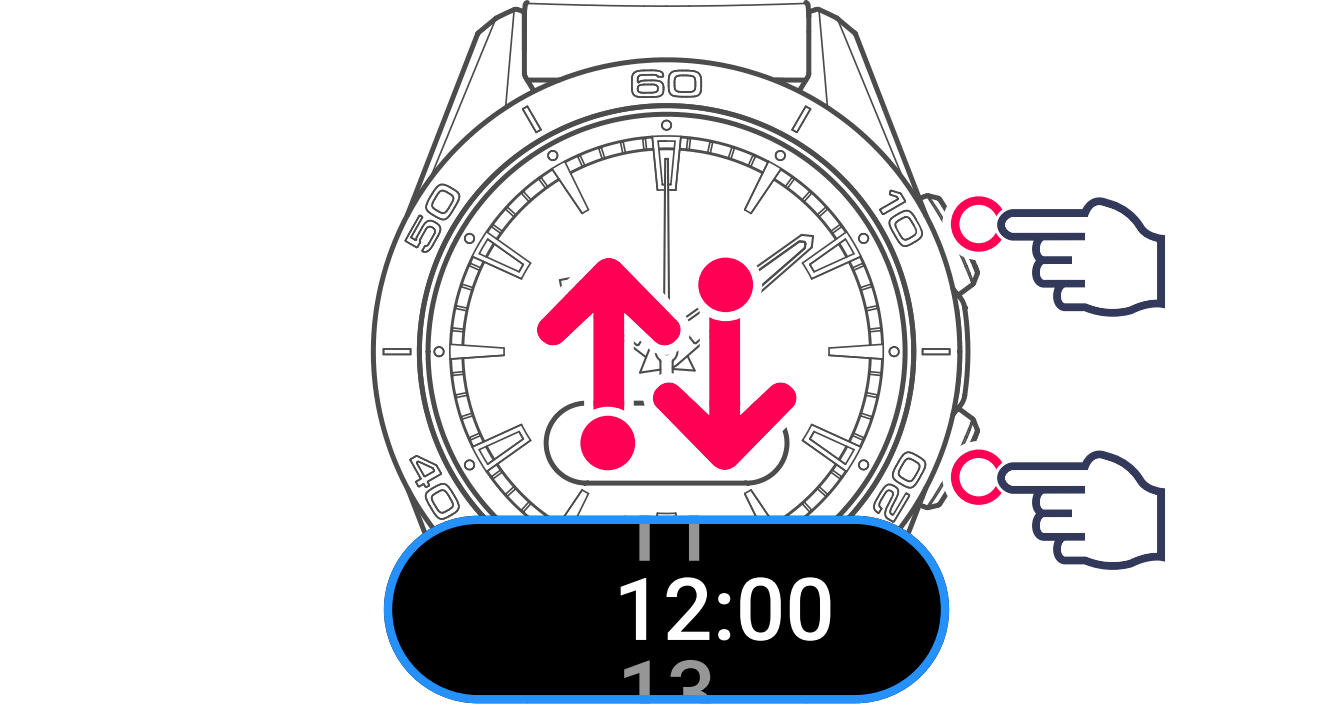
Then go to the next setting.

5 Set the minute and confirm
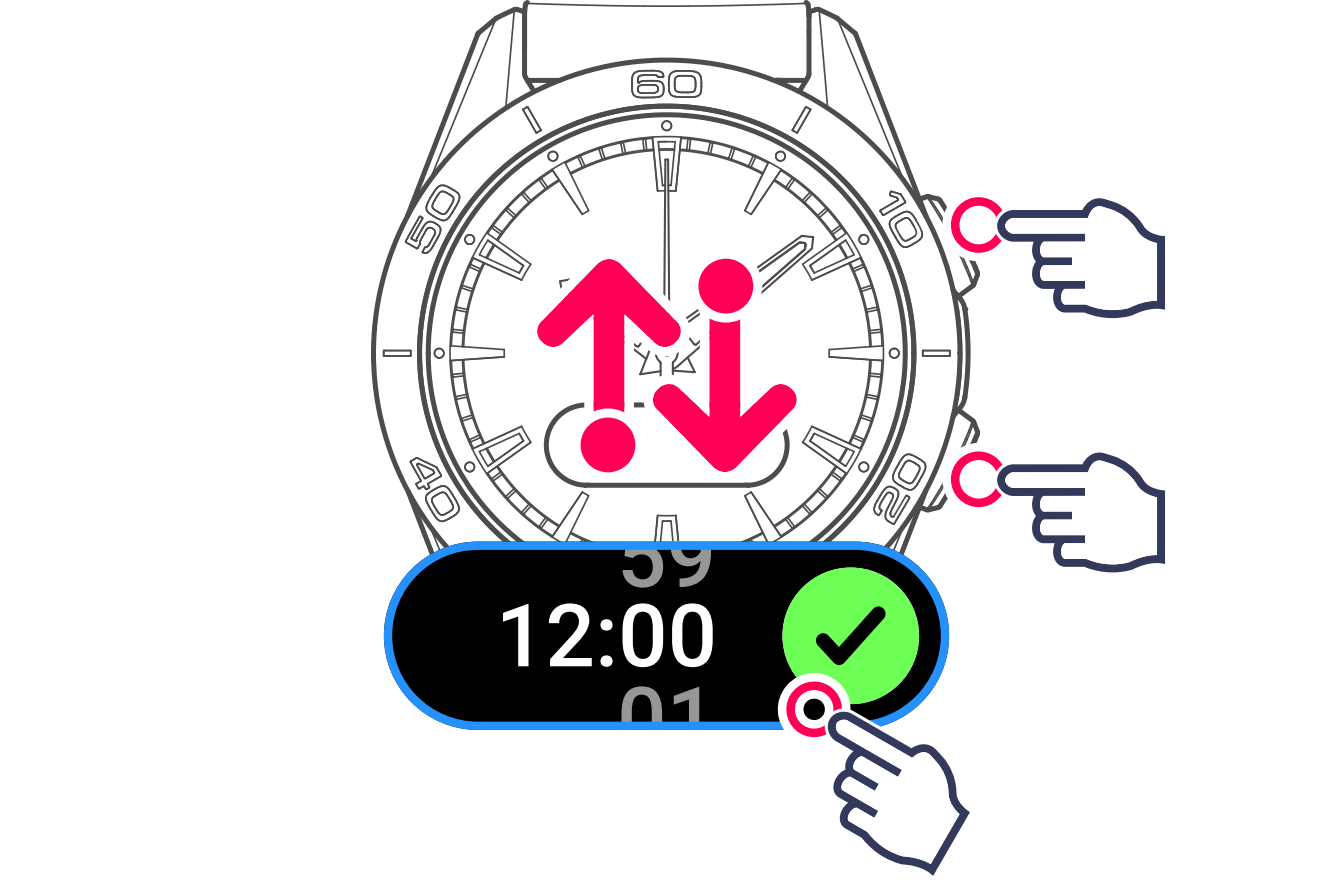
Then define the alarm repetition by selecting a preset menu, or customising it.
6 Edit or delete an active / inactive alarm
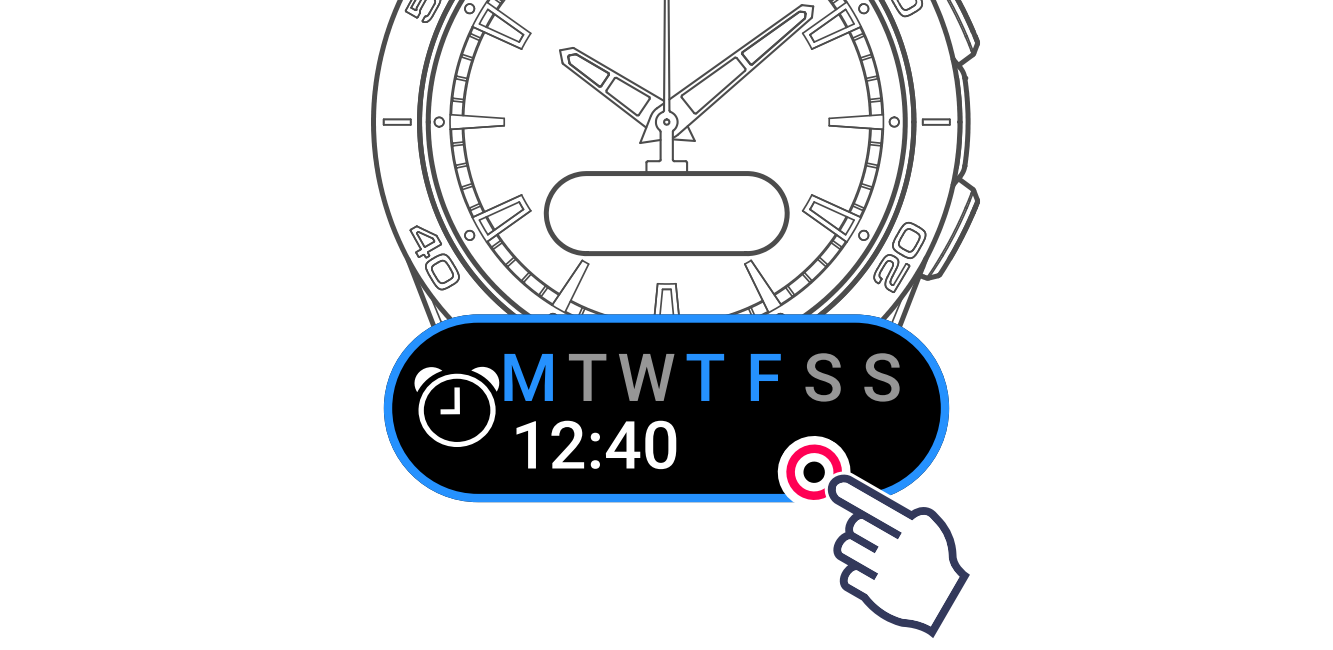
When the alarm is selected, the watch offers 4 options:
Edit the time and / or repetition

Activate the saved alarm

Deactivate the saved alarm

Clear the saved alarm

Preset alarms
The watch offers 4 options:

1 Select the preset alarm

2 Finish and confirm the alarm

Custom alarm
1 Select the menu

2 Select the days and confirm
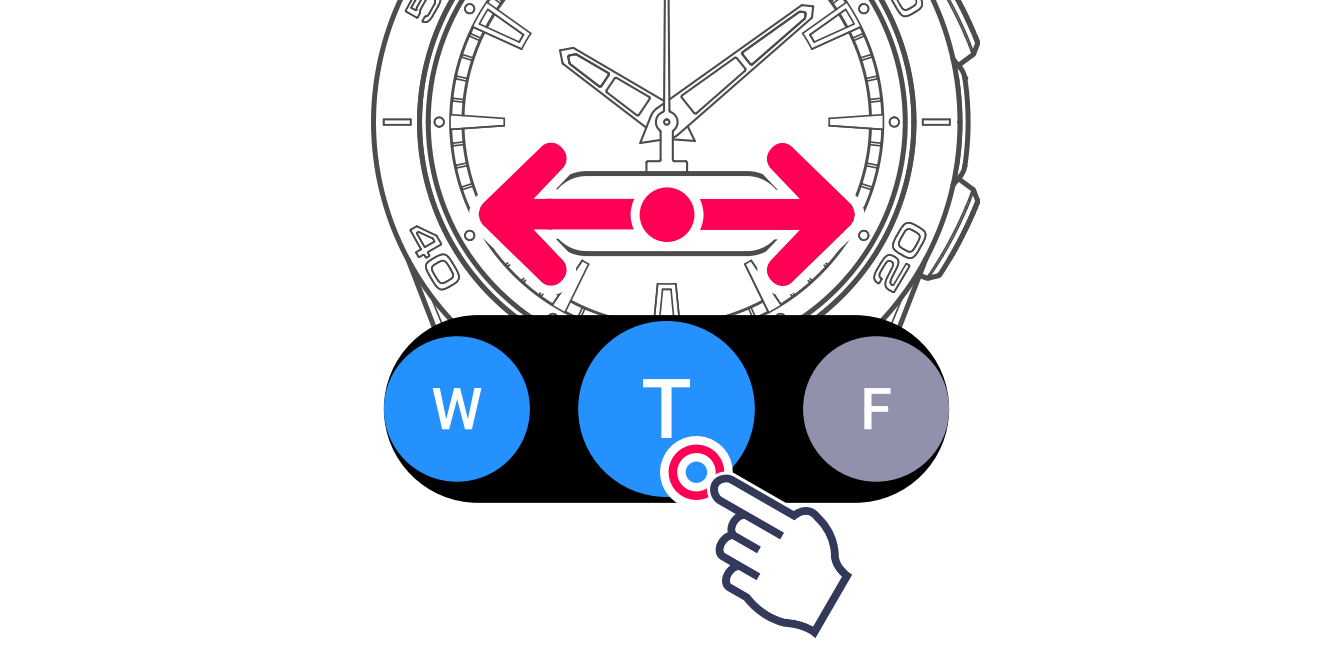
3 Finish and confirm the days