Chrono
A chronograph for measuring times and split times.
1 Activate the watch
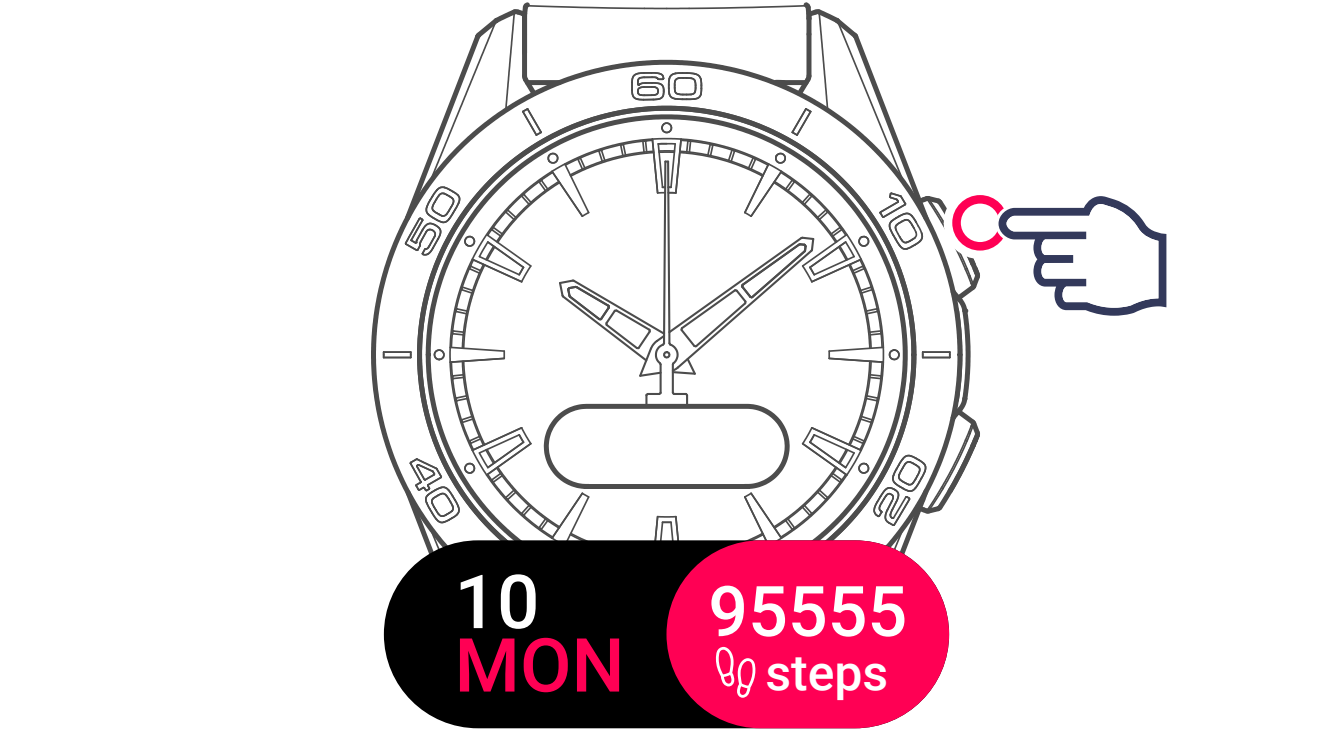
2 Display and select the function

3 Confirm a new timing session
The watch offers 2 options:
- Start a new timing session

- View the logs of the previous timing session
4 Select the timing mode
Choose the timing mode for the new session:
- Lap timing
The Lap Timing function is a timer for measuring the lap time of a single runner, vehicle, etc. Maximum measurement limit: 99 days 23 hours 59 mins 59 secs.

- Split timing
The Intermediate Timing function is a timer for measuring the total duration of a race for up to 99 runners or vehicles participating in the same timed event. For example: measuring the arrival time of several runners in a 100-metre race.
5 Start the chronograph

6 Chronograph paused

7 Restart the chronograph

8 Save a split time
The screen displays the split time for a few seconds, then goes back to timing.

9 Stop with reset

10 Exit timing

The watch offers 2 options:

Restart the current timing session

Finish the timing session

When you finish the timing session, the watch will offer 3 options:
- Start a new timing session

- View the logs of the timing session
- Exit the timing function

In paired mode: The split times are saved on the app.
Regardless of the type of pairing, the LOGS function gives you access to the last timing taken, as well as some statistics specific to the type of timing. To access these details, select LOGS.
The stored data is deleted when you start a new timing from zero.
Reading stored lap time data:
- In unpaired mode, all times measured by the lap timing function are stored and can be displayed on the watch in the LOGS function, together with statistics of the total race duration and the fastest, slowest and average lap times.
- In paired mode, you will also find the most recent times recorded on the T-Connect app. Under the History heading, you will also have access to the most recent timings taken.
Reading stored intermediate time data:
- In unpaired mode, all timings measured by the intermediate timing function are stored and can be displayed on the watch in the LOGS function.
- In paired mode and with the timer reset to zero, you can see the latest timings recorded on the T-Connect app. Under the History heading, you will also have access to the most recent timings taken.