Notification history
The notification history on the watch shows all notifications that you have not cleared on your phone.
Warning
While the watch is disconnected, notifications are not received. When it reconnects to the app, notifications are added directly to the notification history.
1 Activate the watch
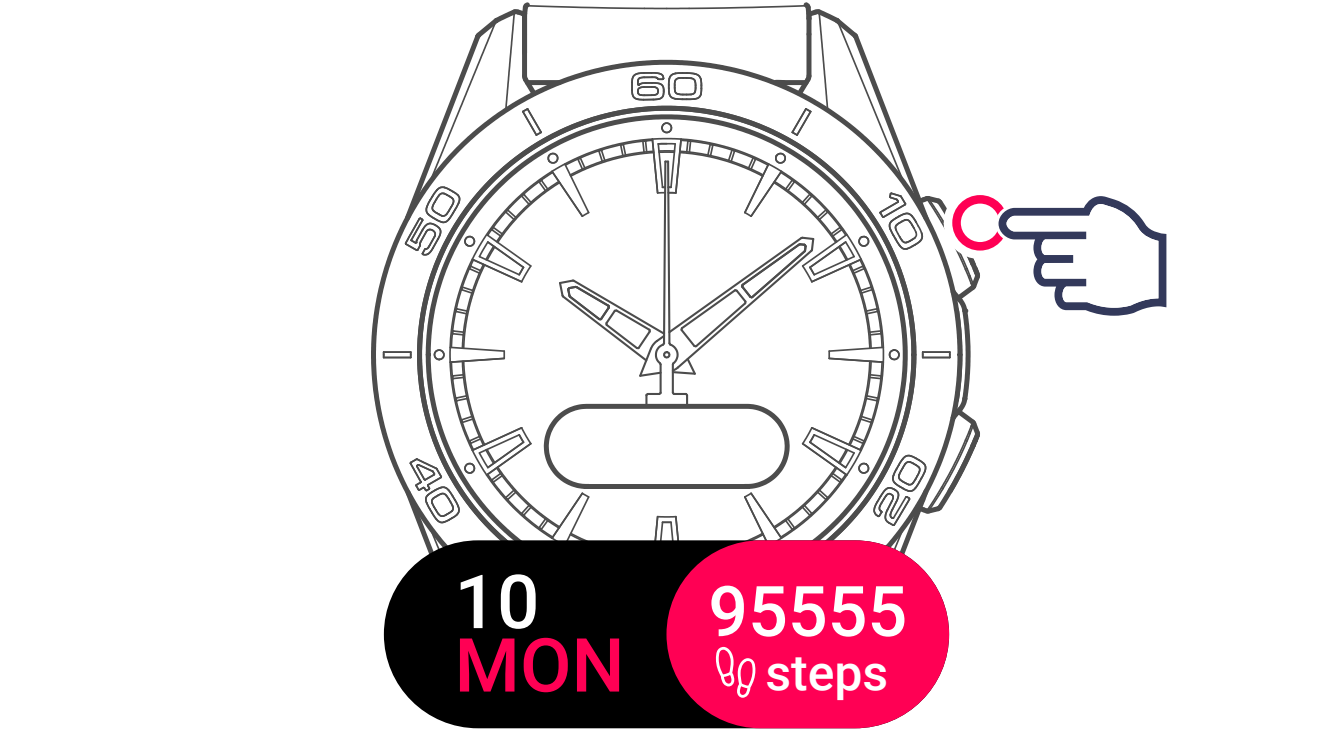
2 Display and select the setting

The watch offers the following options:
No notifications

Available notifications

Clear notifications

Filtering Notifications
The app allows you to control which notifications are displayed on your watch:
- Open the Tissot T-Touch Connect Sport mobile application.
- Go to the watch settings.
- Navigate to notification settings
- Enable or disable individual notification type
Note
On Android, you can filter by individual apps. On iOS, you can filter by notification categories. All notifications are enabled by default.