Familiarisation
Unlock / lock your watch
The touch screen and pushers provide quick access to all of your watch's features.
1 Unlock the watch
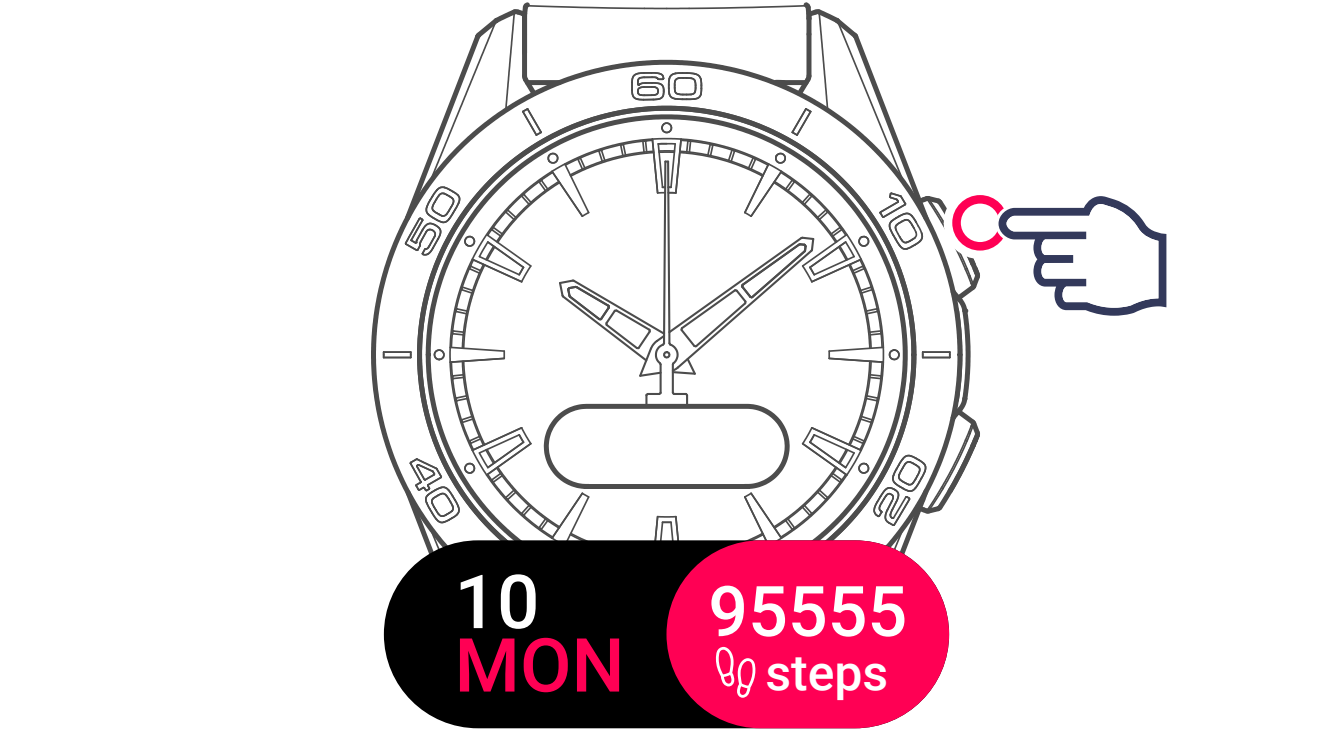
2 Lock the watch

Either by placing your hand on the watch dial, or by pressing both pushers at the same time.
Browse through the menus
Your watch screen displays all available features. Navigate through the menus by swiping in any of the four directions.

1 Swipe the screen

Horizontally or vertically (from the centre of the watch) to browse through the menus.
2 Use the pushers

To browse, confirm or go back.
Upper pusher to browse down or left (short press) and confirm (long press).
Lower pusher to browse up or right (short press) and go back (long press).
Access the functions, activities, settings and statistics
1 Swipe left to access the watch's FUNCTIONS

2 Swipe up to access the daily STATISTICS

3 Swipe down to access the ACTIVITIES

4 Swipe right to access the SETTINGS

Reading messages
When a message received on your smartphone is displayed on the watch, you can browse through it by touching the screen and then swiping vertically.