 Basic operations
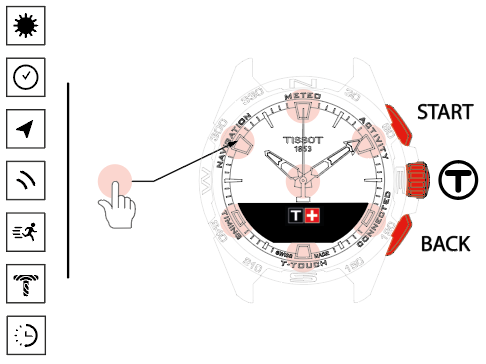
 : Touch zones
 : MIP screen
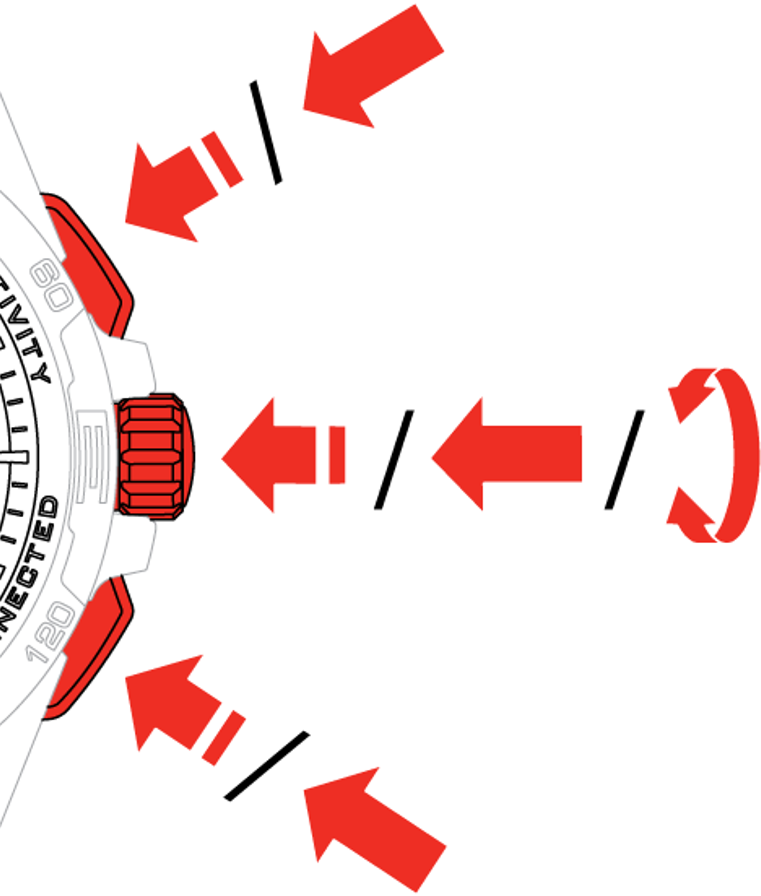
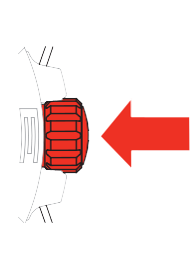 : Long press (more than ½ a second)
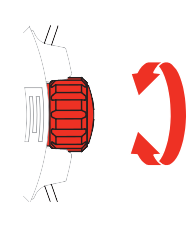 : Rotation (applies only to the crown)
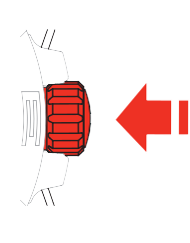 : Short press (less than ½ a second)
START push-piece:
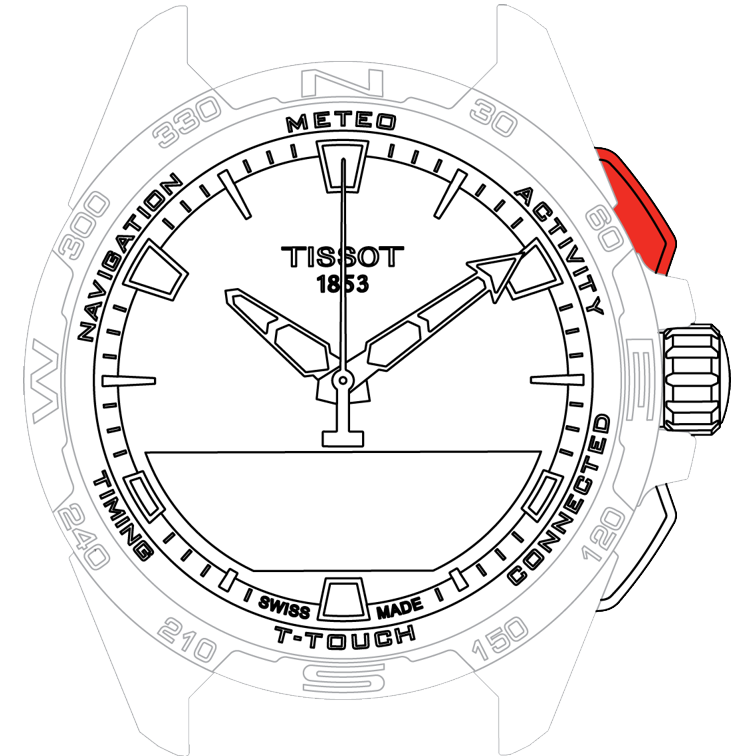 Short press: start or stop the timer / countdown
 : Long press: lock/unlock the watch
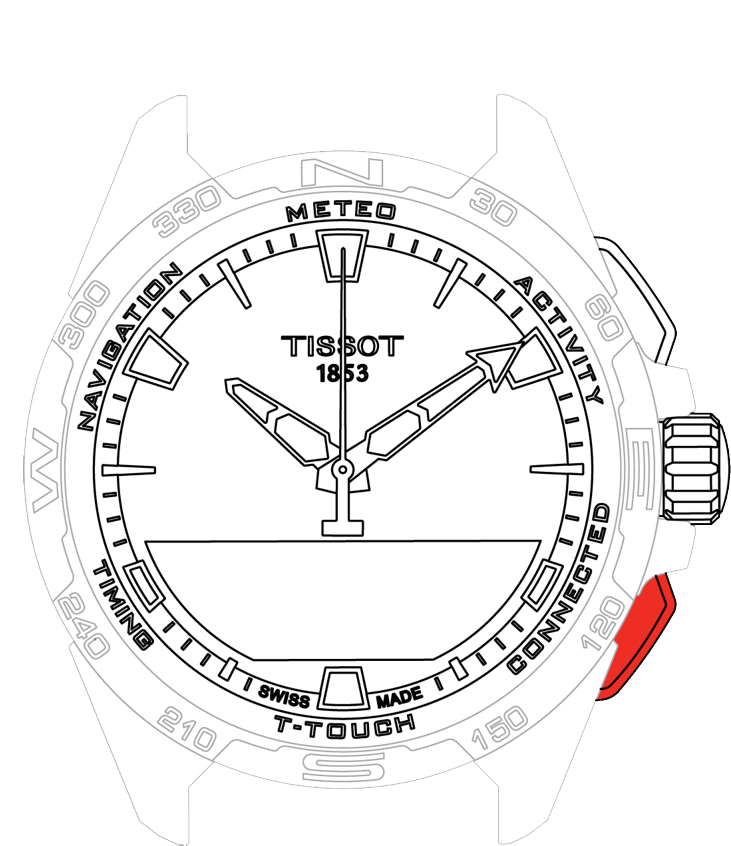
BACK push-piece:
-
Long press: go back to the main menu
-
Short press: reset the timer/ countdown
-
Short press: cancel a setting/ reject an incoming call/ stop an alarm/ go back to the previous screen or exit a mode
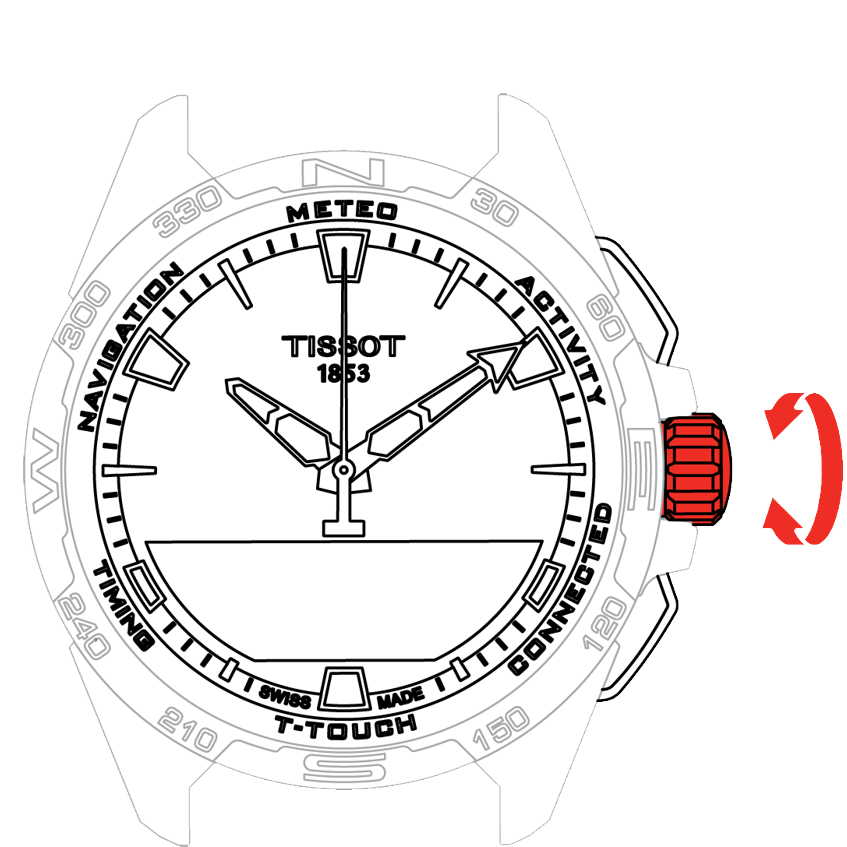
Crown:
-
Rotation: navigate / scroll through functions and menus / change a value
-
Long press: activate screen backlighting
-
Short press: confirm/ enter a sub-menu/ snooze an alarm/ stop the alarm sounding during an incoming call
Note: All touch actions can be performed by using the push-pieces and the crown instead.
To activate the functions on your T-Touch Connect Solar a gentle press on the push-buttons or touch on the glass is all that is required. Excessive force can damage the watch.
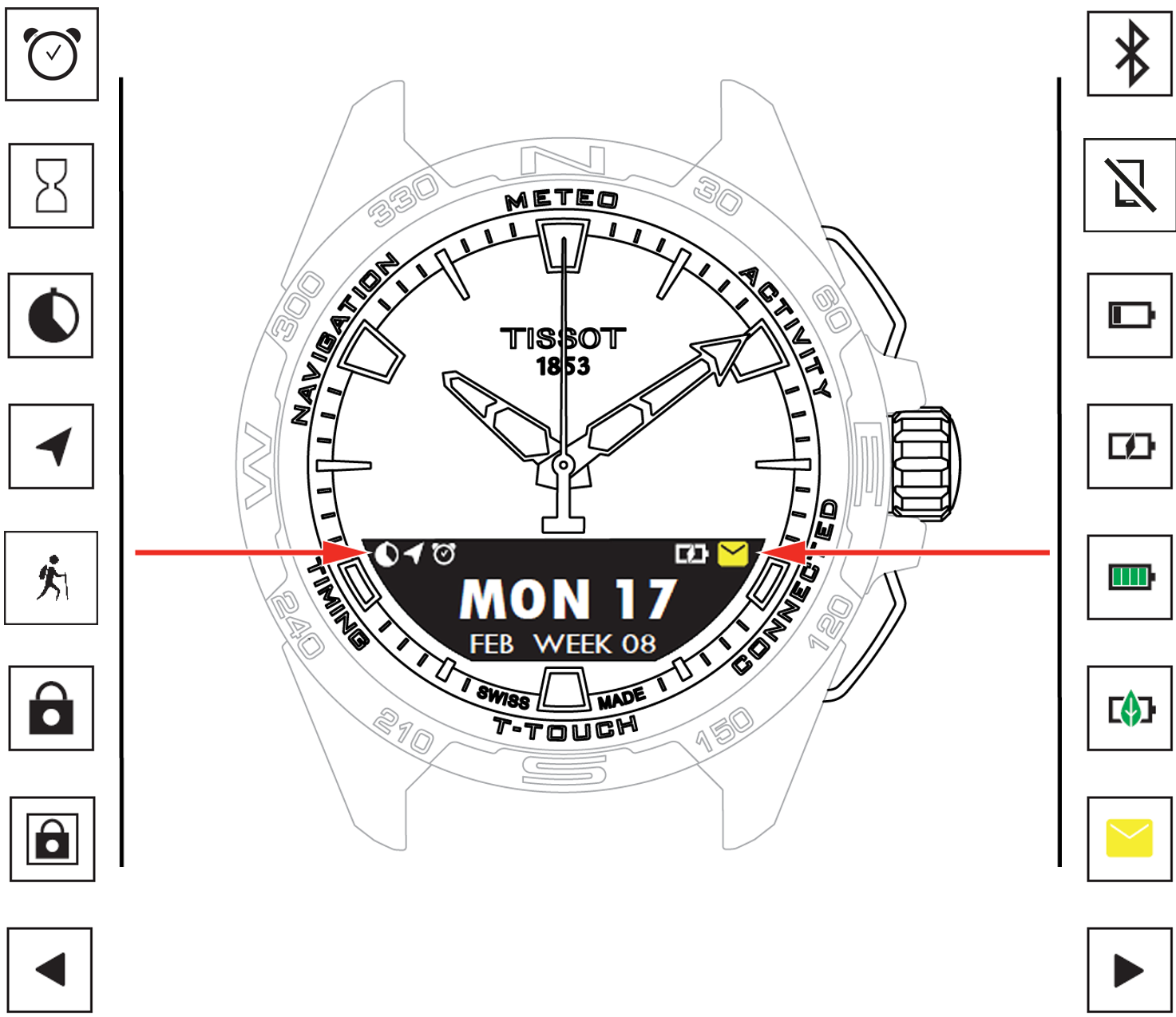
-
 One or more alarms active
 -
 Countdown in progress
 -
 Timer running
 -
 Navigation in progress
 -
 Activity in progress
 -
 Watch locked
 -
 Watch locked in secure mode (password)
 -
 Screen available on left
 -
 Bluetooth® activated
 -
 Watch disconnected
 -
 Battery low
 -
 Battery charging
 -
 Battery charged
 -
 Watch in Eco mode
 -
 Unread notifications
 -
 Screen available on right