 METEO (Weather)
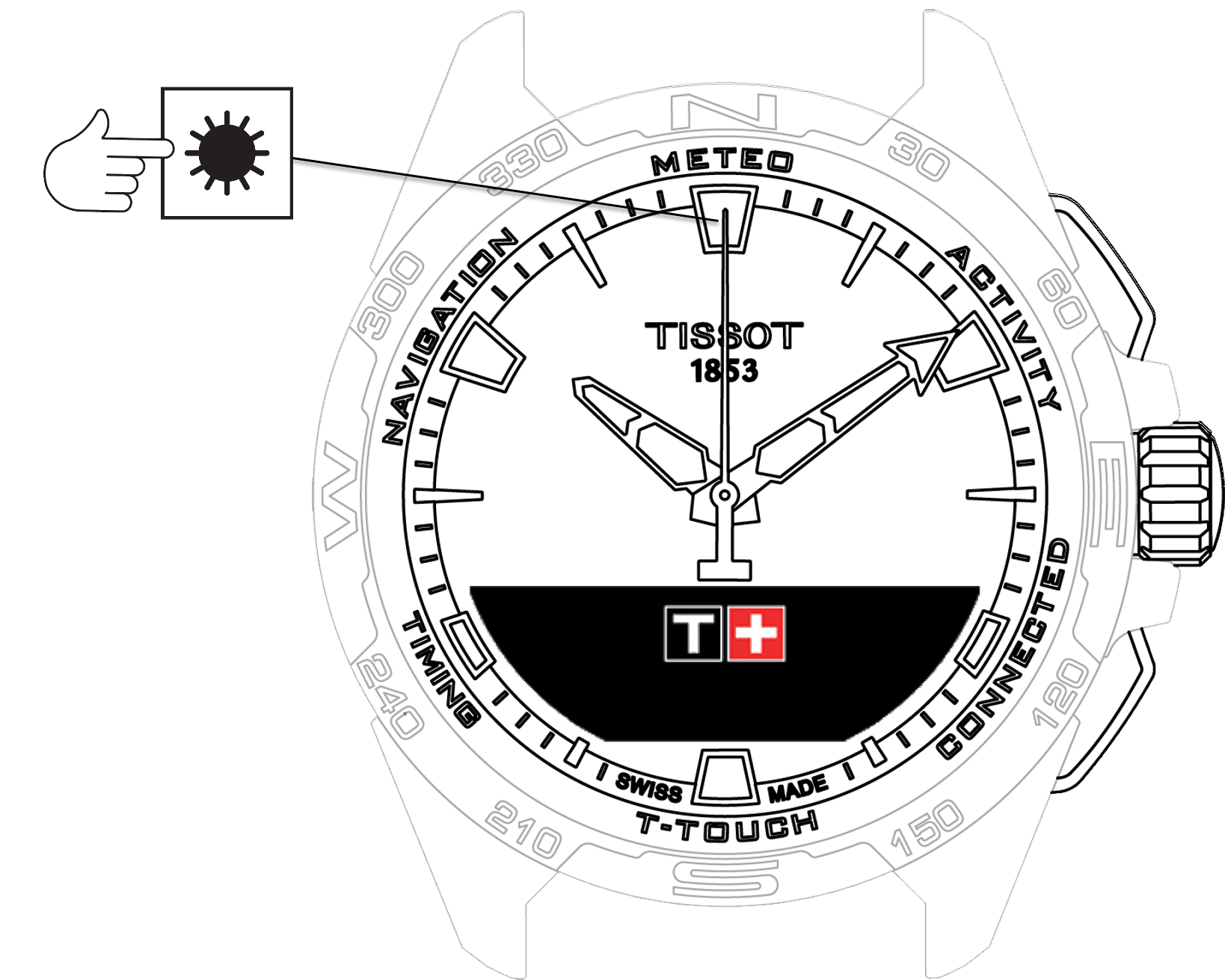
To access the "METEO" (Weather) functions:
-
Unlock the watch with a long press on START.
-
Press the "METEO" touch zone.
- Pressing and turning the crown will give you access to the following functions:


info
Please note: You can go backwards at any time by using the BACK push-piece.