 Using the T-Touch Connect Solar unpaired with a smartphone
The T-Touch Connect Solar's MIP screen will display:
"PAIR WITH PHONE?"
- Using the crown, select "No".
"SET PASSWORD?"
- Using the crown, choose if you want to secure the watch with a password. Activating the password ensures the watch menus cannot be accessed.

- To define a password, select "Yes".
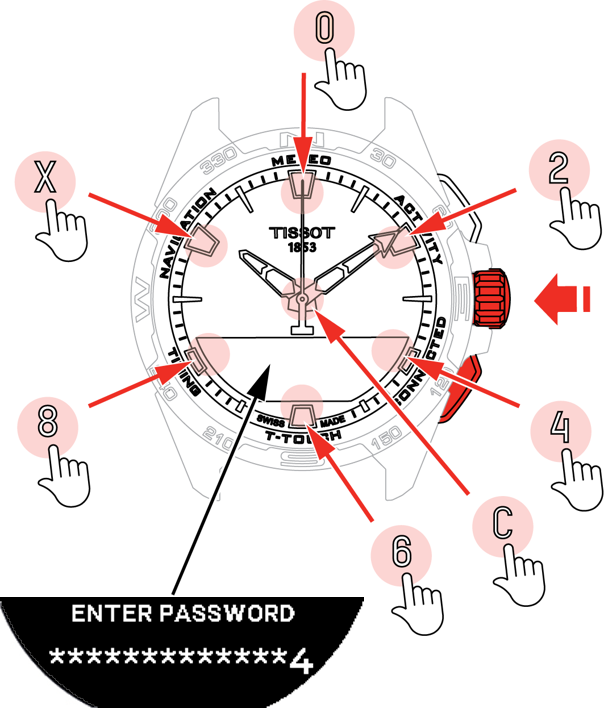
"ENTER PASSWORD"
-
Use the touch zones to create your password. Each zone corresponds to a character: 0, 2, 4, C, 6, 8 and X.
- NB: minimum 6 digits, maximum 14.
-
When you have entered the password, confirm with the crown. You can return to the previous screen at any point by using the BACK push-piece.
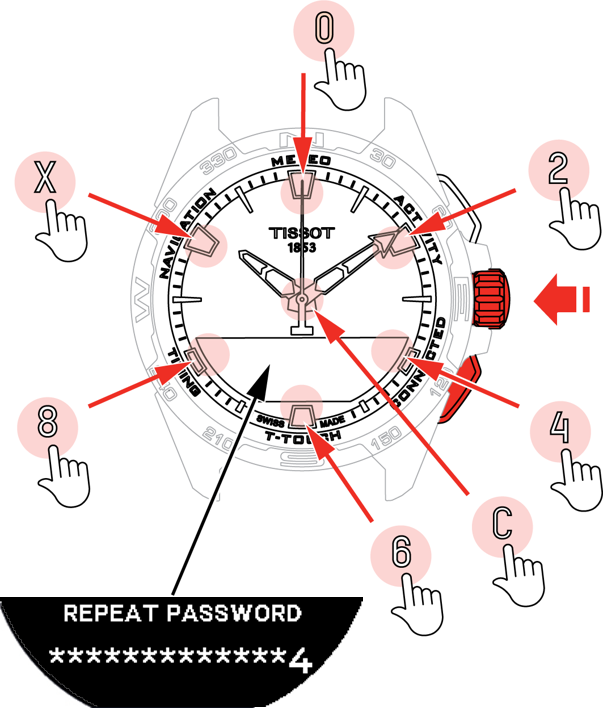
- Enter the password a second time, then confirm with the crown.

- To avoid defining a password, select "No" and proceed to the next step.
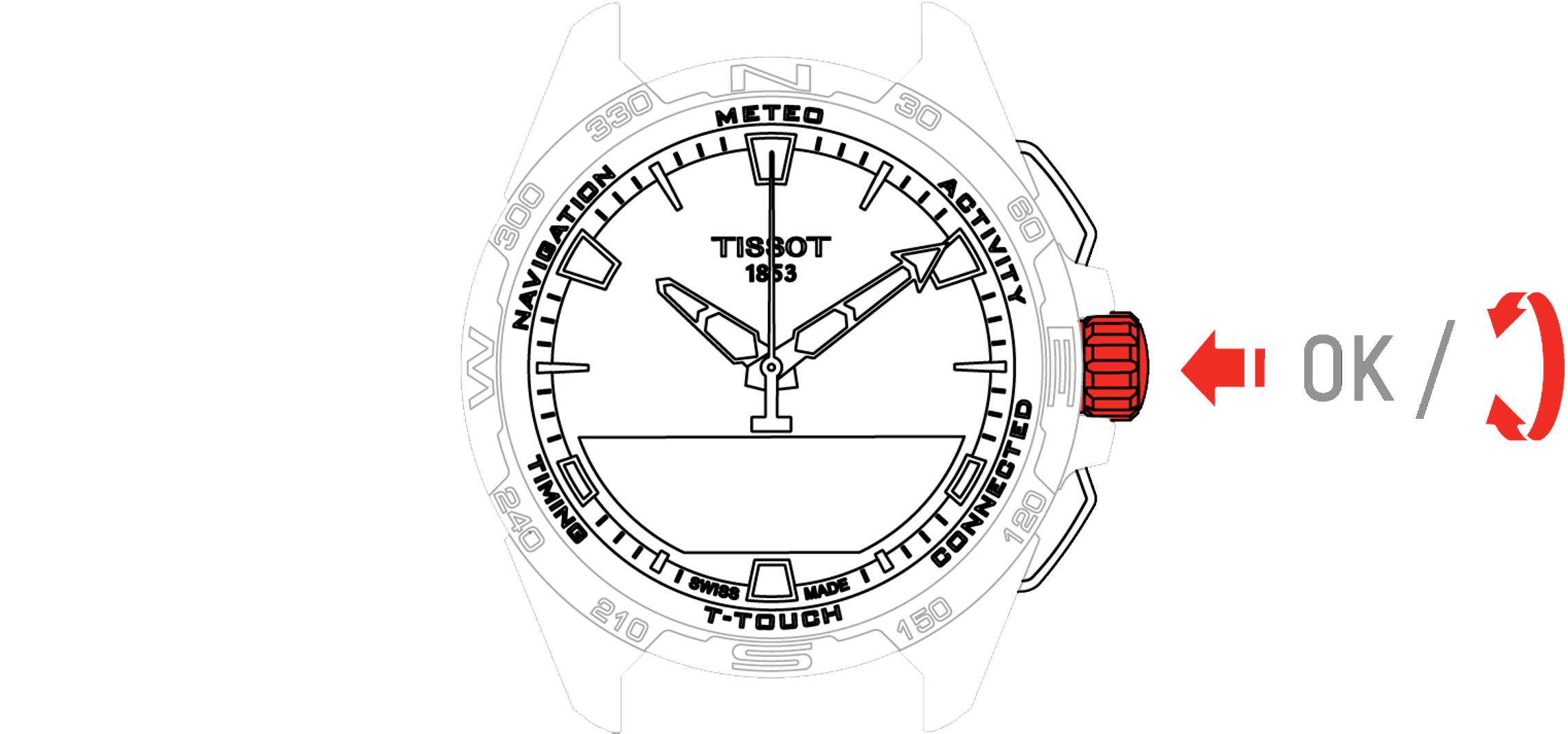
- Use the crown to adjust the watch settings manually:
"GENDER"
- Male, female or undefined.
"HEIGHT UNIT"
-
Centimetres or Feet;
-
Enter your height.
"WEIGHT UNIT"
-
Kilograms or Pounds;
-
Enter your weight.
"DATE FORMAT"
- DD.MM.YY (day.month.year) or MM.DD.YY (month.day.year).
"DATE OF BIRTH"
- Select the year, month and day.
"DATE"
- Enter today’s date.
"TIME FORMAT"
- 24-hour or 12-hour.
"TIME 1" (Time)
- Enter the time.
The message "Setup completed" appears, which means the installation has been successfully completed.
The hands position themselves to the time you entered and the watch automatically self-locks.